Surprised Pikachu Meme-Vorlage & Generator
Erstelle dein eigenes „Surprised Pikachu“-Meme: gespielter Schock über ein offensichtliches Ergebnis. Bearbeite die Vorlage unten und lade sie dann kostenlos herunter oder mach daraus ein Video-Meme.
3 Textfelder · 1893 × 1893 px
Vorlage wählen
Die meistgenutzten Formate zuerst. Durchsuche alle oder starte mit deinem eigenen Bild.
What Is the Surprised Pikachu Meme?
The image shows a blurry close-up of Pikachu, the yellow Pokémon, with red cheeks, wide eyes, and its mouth open. A large blank white area sits above the image for a caption. The meme pairs an action or choice with its predictable consequence, then uses Pikachu's surprised expression to represent someone acting shocked by the result.
It is also searched for as the shocked Pikachu meme or Pikachu shocked face.
Where the Meme Comes From
The image is a still of Pikachu from the Pokémon animated series. The surprised-face reaction image spread online in 2018 and became widely used on social media. It is commonly paired with captions about an obvious outcome that someone did not expect, though the image itself is a simple close-up rather than a multi-panel scene.
How to Use the Template
Use the three text areas in order to set up the situation, show its result, and label Pikachu's reaction.
- The action: Describe what someone does, such as "Me: skips breakfast".
- The result: Give the expected consequence, such as "Me at noon: hungry".
- Pikachu's reaction: Add who is surprised, such as "Also me".
Surprised Pikachu Meme Ideas
- Me: leaves the window open / Rain: comes inside / Me, somehow surprised
- Me: stays up watching videos / Alarm: rings at 6 a.m. / Me
- Me: puts off studying all week / Exam: starts tomorrow / Me
- Me: eats the last cookie / Everyone else: notices / Me
- Me: never charges my phone / Phone: dies on the way home / Me
Make It a Video Meme
For a short video meme, keep the setup and result readable while Pikachu's expression gets a subtle blink or slight head movement. Clips longer than 10 seconds get more reach on X, and the video is made right on this page.
So machst du deins
- Tippe deine Captions in die Felder. Sie brechen um und passen ihre Größe dem Bild an.
- Zieh eine Caption, um sie zu verschieben, zieh an einer Ecke, um die Größe zu ändern, oder ändere Schrift und Farben.
- Lade das Bild herunter oder kopiere es. Kostenlos und ohne Konto.
- Klick auf Als Video, beschreibe die Bewegung, wähle eine Länge (15 Sekunden laufen auf X am besten) und generiere.
Mehr Meme-Vorlagen
Alle Video-Meme-Vorlagen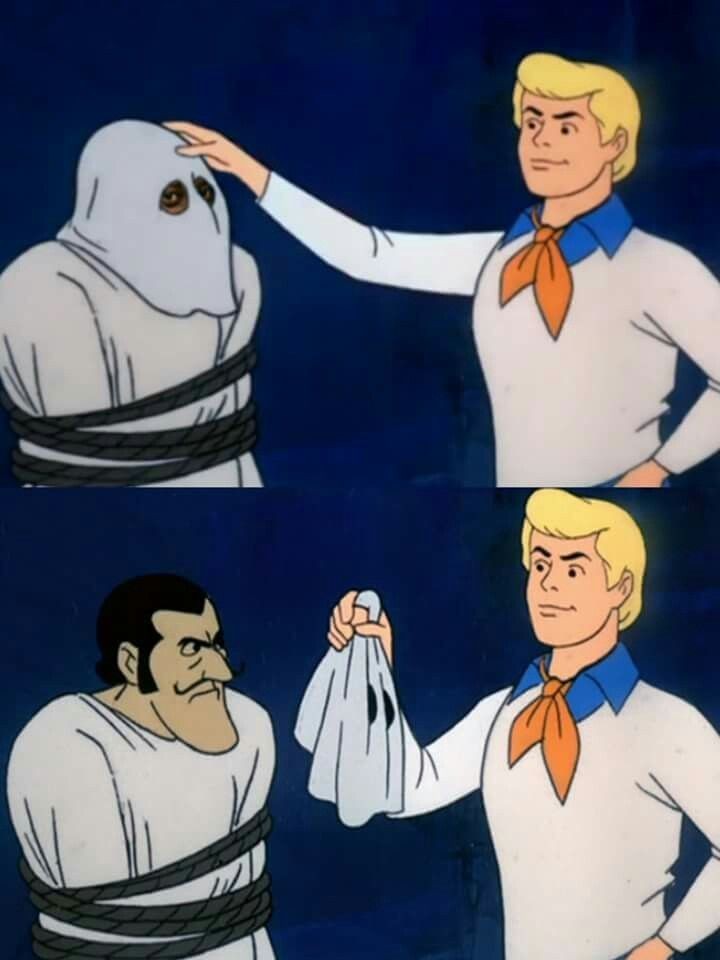
Reaktion
Scooby-Doo Mask Reveal
Enthüllen, was sich hinter einer Verkleidung verbirgt
- 4 Textfelder
- Bild kostenlos
Reaktion
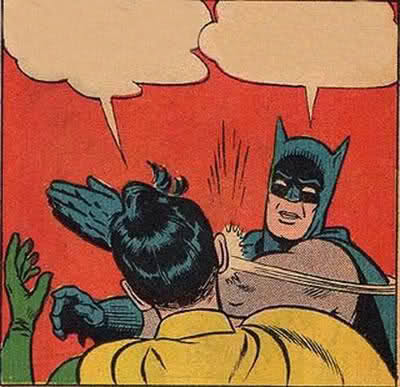
Batman Slapping Robin
Eine schlechte Meinung knallhart abwürgen
- 2 Textfelder
- Bild kostenlos
Auswahl
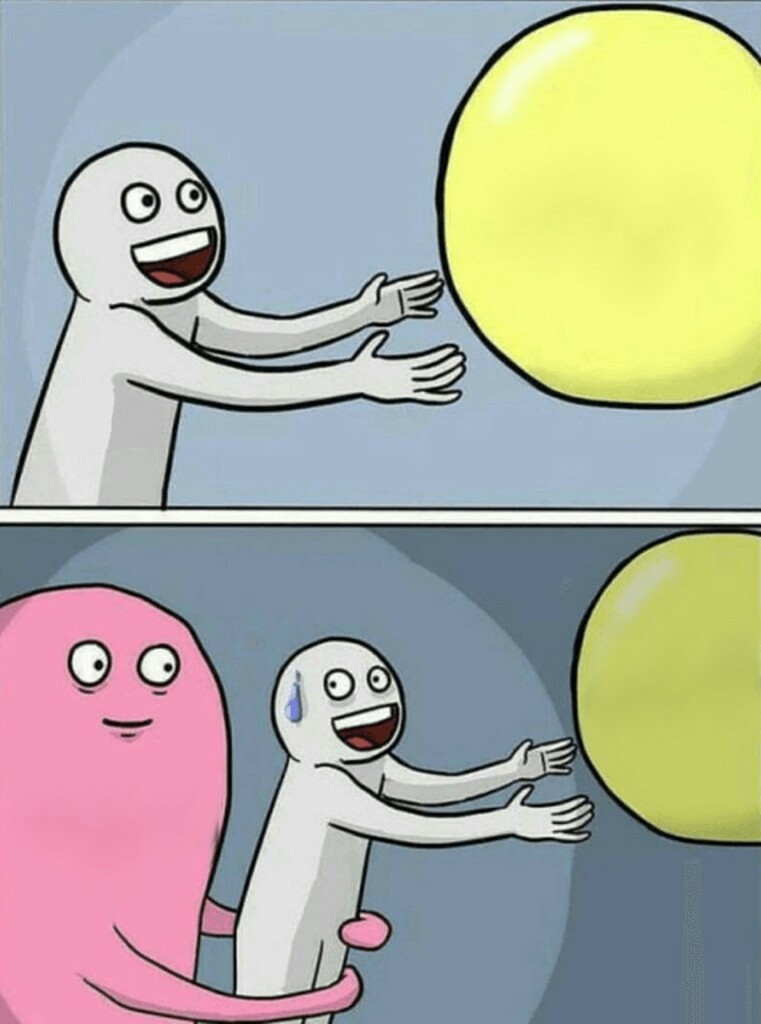
Running Away Balloon
Einer verlockenden Option hinterherjagen, die immer wieder entwischt
- 5 Textfelder
- Bild kostenlos
Sarkasmus
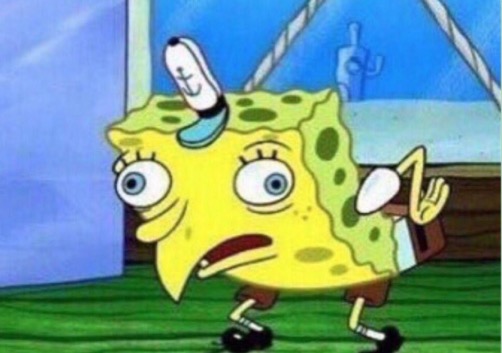
Mocking SpongeBob
Sarkastisches Nachäffen
- 2 Textfelder
- Bild kostenlos