Plantilla y generador de memes Hide the Pain Harold
Crea tu propio meme de Hide the Pain Harold: sonrisas forzadas que esconden la incomodidad. Edita la plantilla de abajo y descárgala gratis o conviértela en un meme en vídeo.
2 cajas de texto · 480 × 601 px
Elige una plantilla
Primero los formatos más usados. Busca entre todos o empieza desde tu propia imagen.
What Is the Hide the Pain Harold Meme?
Hide the Pain Harold is a two-panel photo of an older white-haired, bearded man sitting at a desk with an open laptop and a mug. In the top panel, he looks down toward the laptop with a strained smile. In the bottom panel, he faces forward with a broad, uncomfortable-looking smile. The contrast captures someone trying to appear cheerful while privately enduring an awkward, unpleasant, or frustrating situation.
People also search for the Harold meme, Maurice meme, or Hide the Pain Harold template. The image is commonly used to show a polite reaction that masks discomfort, disappointment, or stress.
Where the Meme Comes From
The man in the photo is András Arató, a Hungarian retired electrical engineer whose stock photos became widely recognizable online. The pictures show him posing at a computer, and their forced-looking smiles inspired the “Hide the Pain Harold” nickname. The meme spread through online forums and social media during the 2010s. The two-panel version uses successive poses to emphasize the change from an inward grimace to a camera-facing smile.
How to Use the Template
Use the two panels as a before-and-after reaction: put the situation first, then show the attempt to keep smiling.
- Top panel: Set up the awkward or painful situation, such as “The meeting could have been an email.”
- Bottom panel: Show the forced response or hidden feeling, such as “Me, nodding and smiling.”
Hide the Pain Harold Meme Ideas
- “They said it’s a quick call” / “It’s been an hour”
- “My boss asks if I have a minute” / “Me, closing my lunch”
- “The recipe says ‘a pinch of salt’” / “I accidentally add half the shaker”
- “I tell everyone I’m well rested” / “Me after four hours of sleep”
- “The dentist asks if I floss” / “Me, smiling through the question”
Make It a Video Meme
This works as a short video by letting Harold’s expression shift subtly between the two poses, from looking down at the laptop to smiling toward the camera. Clips longer than 10 seconds get more reach on X, and the video is made right on this page.
Cómo hacer el tuyo
- Escribe tus textos en las cajas. Se ajustan y se dimensionan solos a la imagen.
- Arrastra un texto para moverlo, tira de una esquina para cambiar su tamaño o cambia su fuente y colores.
- Descarga o copia la imagen. Es gratis y no necesita cuenta.
- Pulsa Convertir en vídeo, describe el movimiento, elige una duración (15 segundos es lo que mejor funciona en X) y genera.
Más plantillas de memes
Todas las plantillas de memes en vídeo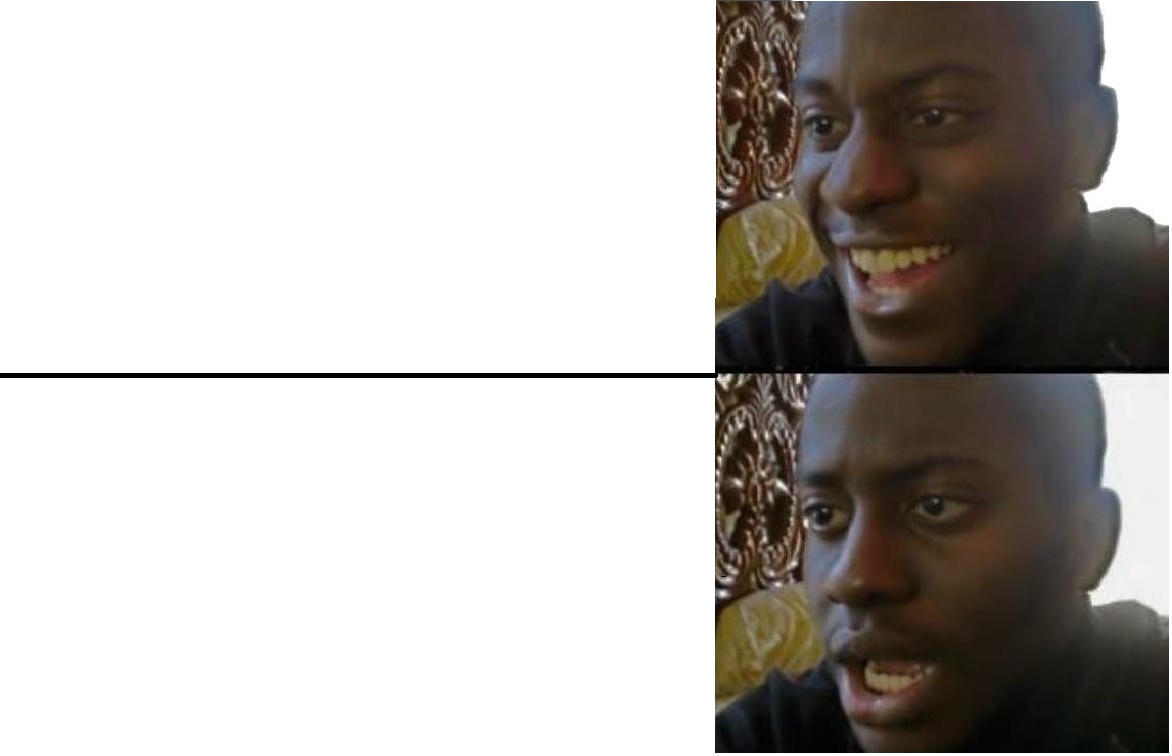
Reacción
Disappointed Black Guy
Pasar del entusiasmo a la decepción
- 2 cajas de texto
- Imagen gratis
Reacción
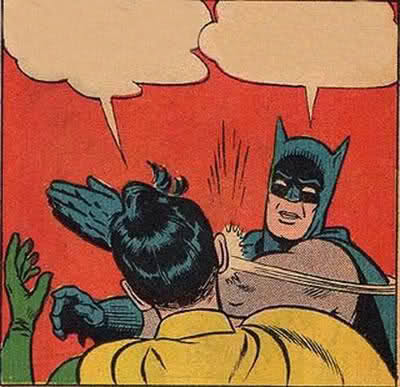
Batman Slapping Robin
Cortar de raíz una opinión absurda
- 2 cajas de texto
- Imagen gratis
Elección
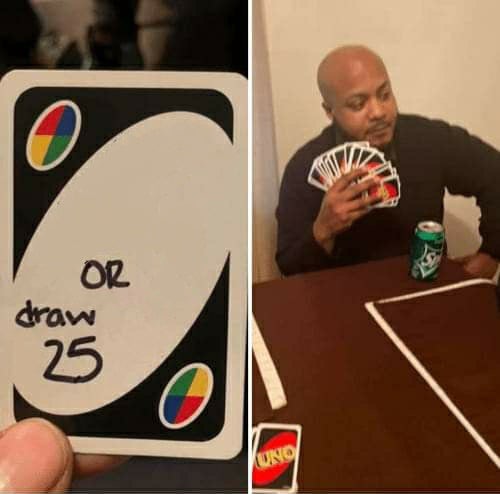
UNO Draw 25 Cards
Elegir una tarea pesada antes que una alternativa que no quieres
- 2 cajas de texto
- Imagen gratis
Elección
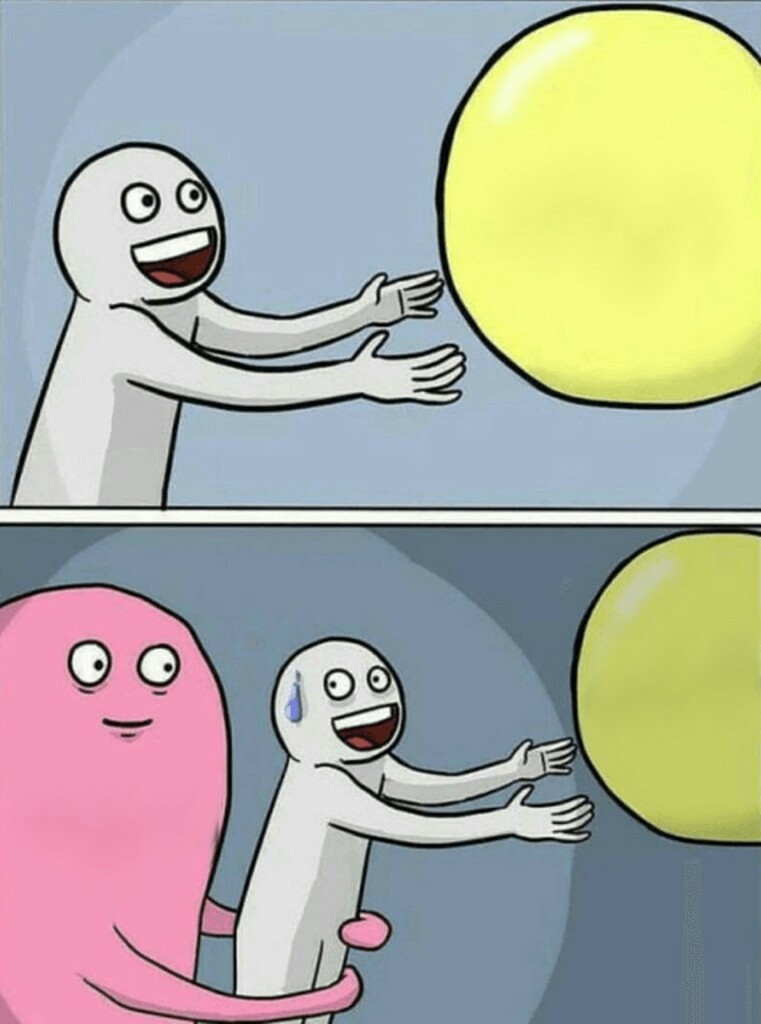
Running Away Balloon
Perseguir una opción tentadora que no deja de escaparse
- 5 cajas de texto
- Imagen gratis