Plantilla y generador de memes I'm the Captain Now
Crea tu propio meme de I'm the Captain Now: tomar el control con una seguridad inesperada. Edita la plantilla de abajo y descárgala gratis o conviértela en un meme en vídeo.
2 cajas de texto · 478 × 350 px
Elige una plantilla
Primero los formatos más usados. Busca entre todos o empieza desde tu propia imagen.
What Is the I'm the Captain Now Meme?
The image shows a man in a dark shirt indoors, looking toward the camera with a hand raised near his mouth. The meme expresses an abrupt takeover or a confident claim of authority, often used when someone unexpectedly takes charge or gets control of a situation. The caption typically sets up who or what has control, then gives the punchline: “I’m the captain now.”
It is also searched as the Captain Phillips meme or I’m the captain now template.
Where the Meme Comes From
The image comes from the 2013 film *Captain Phillips*, starring Barkhad Abdi as pirate leader Abduwali Muse. The phrase “I’m the captain now” is spoken during the film’s hijacking scene. The still and quote later spread online as a reaction meme, used to frame unexpected power shifts and takeover jokes. The template image shown here is a cropped film still featuring Abdi’s character.
How to Use the Template
Use the two text boxes to set up the takeover and deliver the claim:
- Situation: Name the person, group, or thing that currently has control, such as “The new intern on day one”.
- Takeover: Add the bold claim or outcome, such as “I’m the captain now”.
I'm the Captain Now Meme Ideas
- The group project leader steps away / Me taking over the slides
- The cat sits on my keyboard / The cat: I’m in charge now
- The new hire gets access to the shared calendar / Scheduling every meeting
- The youngest sibling finds the TV remote / The youngest sibling: my show now
- I open the spreadsheet / Everyone else: waiting for me to fix it
Make It a Video Meme
As a short video, the character can shift his gaze, blink, or make a small movement with his raised hand while the captions stay in place. Clips longer than 10 seconds get more reach on X, and you can make the video right on this page.
Cómo hacer el tuyo
- Escribe tus textos en las cajas. Se ajustan y se dimensionan solos a la imagen.
- Arrastra un texto para moverlo, tira de una esquina para cambiar su tamaño o cambia su fuente y colores.
- Descarga o copia la imagen. Es gratis y no necesita cuenta.
- Pulsa Convertir en vídeo, describe el movimiento, elige una duración (15 segundos es lo que mejor funciona en X) y genera.
Más plantillas de memes
Todas las plantillas de memes en vídeo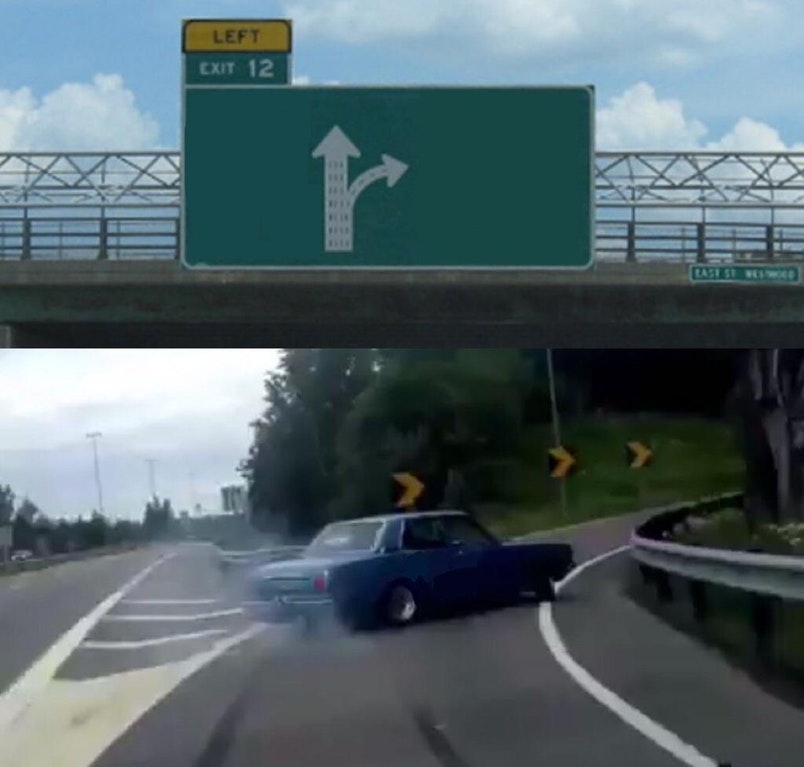
Elección
Left Exit 12 Off Ramp
Elegir la tentación en vez del camino sensato
- 3 cajas de texto
- Imagen gratis
Elección
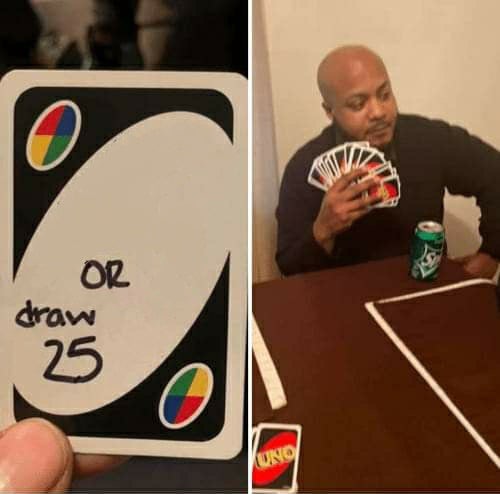
UNO Draw 25 Cards
Elegir una tarea pesada antes que una alternativa que no quieres
- 2 cajas de texto
- Imagen gratis
Película
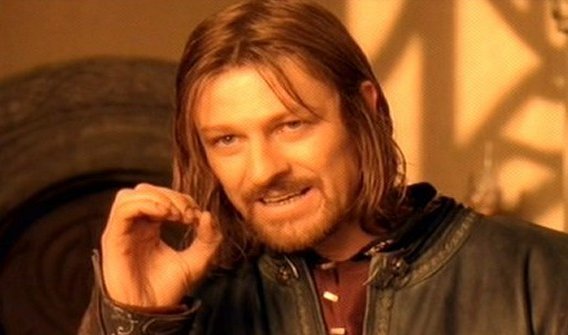
One Does Not Simply
Dejar claro que algo no es nada fácil
- 2 cajas de texto
- Imagen gratis
Comparación
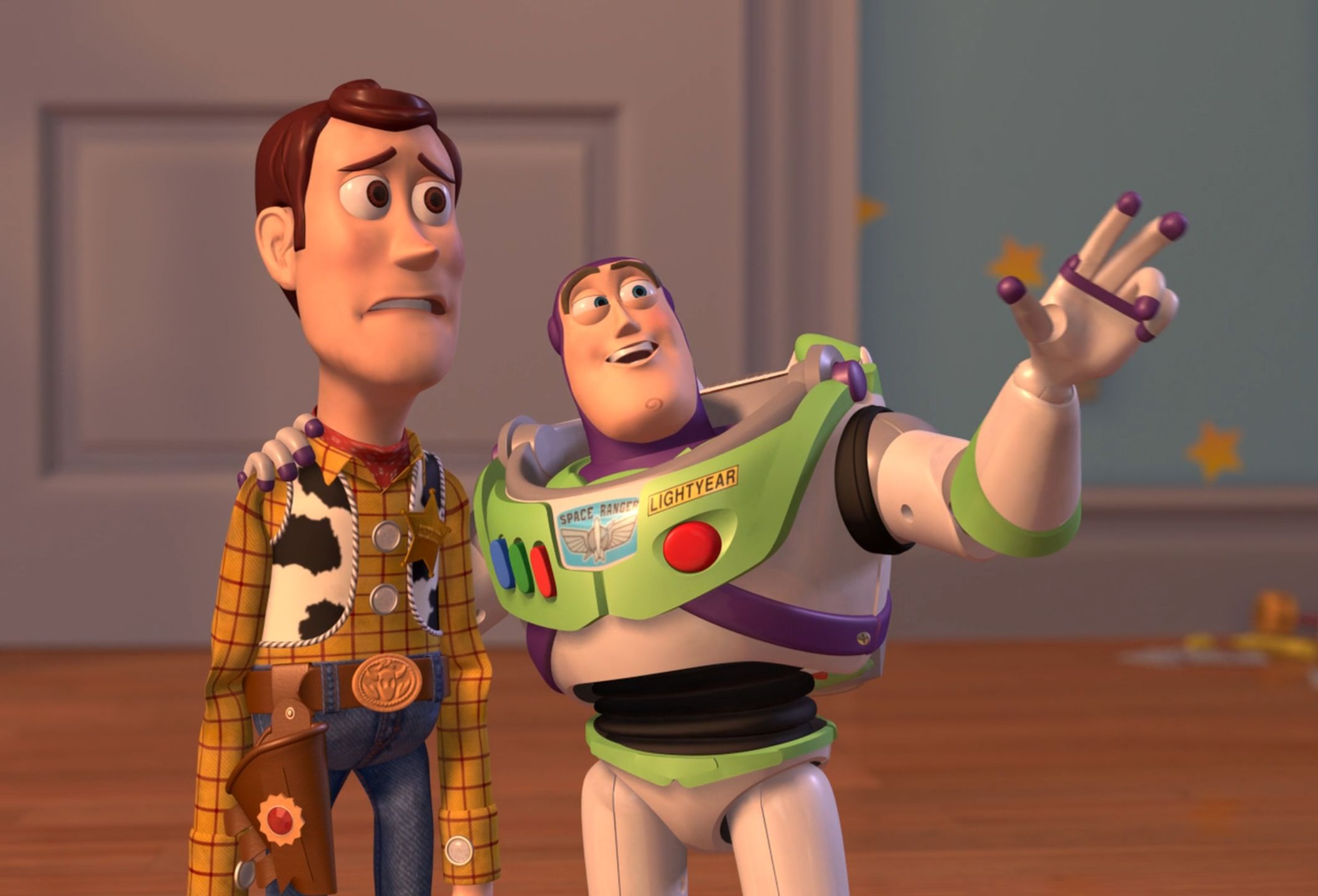
X, X Everywhere
Algo que aparece por todas partes
- 2 cajas de texto
- Imagen gratis