I'm the Captain Now मीम टेम्पलेट और जनरेटर
अपना खुद का I'm the Captain Now मीम बनाएं: अचानक पूरे आत्मविश्वास से कमान अपने हाथ में लेना। नीचे दिया गया टेम्पलेट एडिट करें, फिर इसे फ्री में डाउनलोड करें या वीडियो मीम में बदलें।
2 टेक्स्ट बॉक्स · 478 × 350 px
कोई टेम्पलेट चुनें
सबसे ज़्यादा इस्तेमाल होने वाले फ़ॉर्मेट पहले। सभी में खोजें, या अपनी इमेज से शुरू करें।
What Is the I'm the Captain Now Meme?
The image shows a man in a dark shirt indoors, looking toward the camera with a hand raised near his mouth. The meme expresses an abrupt takeover or a confident claim of authority, often used when someone unexpectedly takes charge or gets control of a situation. The caption typically sets up who or what has control, then gives the punchline: “I’m the captain now.”
It is also searched as the Captain Phillips meme or I’m the captain now template.
Where the Meme Comes From
The image comes from the 2013 film *Captain Phillips*, starring Barkhad Abdi as pirate leader Abduwali Muse. The phrase “I’m the captain now” is spoken during the film’s hijacking scene. The still and quote later spread online as a reaction meme, used to frame unexpected power shifts and takeover jokes. The template image shown here is a cropped film still featuring Abdi’s character.
How to Use the Template
Use the two text boxes to set up the takeover and deliver the claim:
- Situation: Name the person, group, or thing that currently has control, such as “The new intern on day one”.
- Takeover: Add the bold claim or outcome, such as “I’m the captain now”.
I'm the Captain Now Meme Ideas
- The group project leader steps away / Me taking over the slides
- The cat sits on my keyboard / The cat: I’m in charge now
- The new hire gets access to the shared calendar / Scheduling every meeting
- The youngest sibling finds the TV remote / The youngest sibling: my show now
- I open the spreadsheet / Everyone else: waiting for me to fix it
Make It a Video Meme
As a short video, the character can shift his gaze, blink, or make a small movement with his raised hand while the captions stay in place. Clips longer than 10 seconds get more reach on X, and you can make the video right on this page.
अपना कैसे बनाएँ
- बॉक्स में अपने कैप्शन टाइप करें। वे तस्वीर के हिसाब से रैप और साइज़ हो जाते हैं।
- कैप्शन को खींचकर हिलाएँ, कोने से साइज़ बदलें, या उसका फ़ॉन्ट और रंग बदलें।
- इमेज डाउनलोड या कॉपी करें। यह फ़्री है और अकाउंट की ज़रूरत नहीं।
- इसे वीडियो बनाएँ पर क्लिक करें, मूवमेंट बताएँ, लंबाई चुनें (X पर 15 सेकंड सबसे अच्छा चलता है) और जनरेट करें।
और मीम टेम्पलेट
सभी वीडियो मीम टेम्पलेट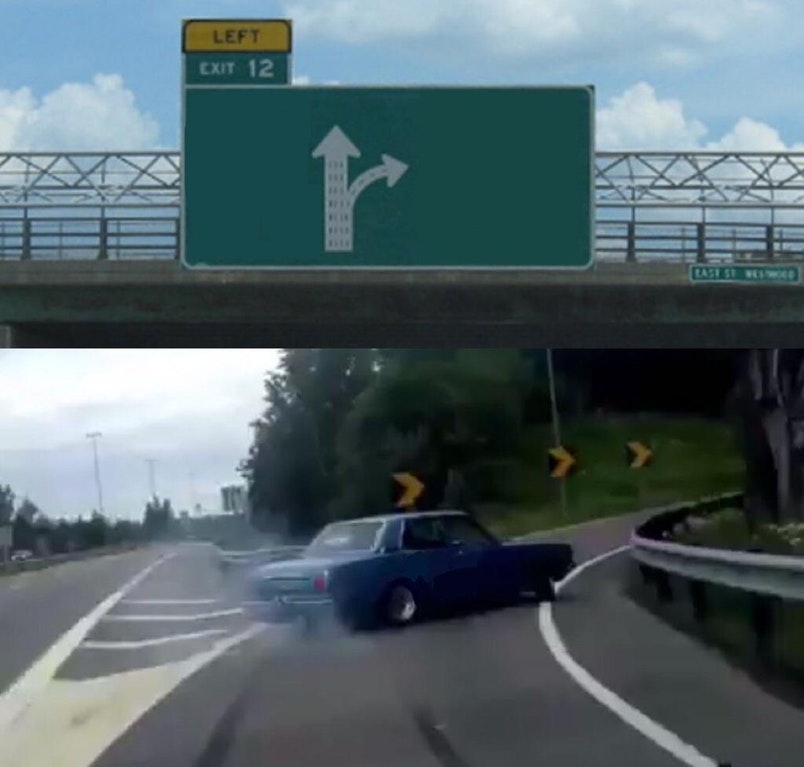
चुनाव
Left Exit 12 Off Ramp
समझदारी का रास्ता छोड़कर लालच की तरफ मुड़ जाना
- 3 टेक्स्ट बॉक्स
- इमेज फ्री
चुनाव
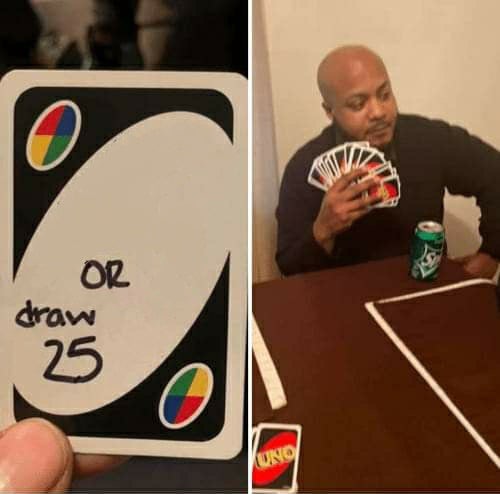
UNO Draw 25 Cards
नापसंद काम से बचने के लिए कोई थकाऊ काम चुन लेना
- 2 टेक्स्ट बॉक्स
- इमेज फ्री
फ़िल्म
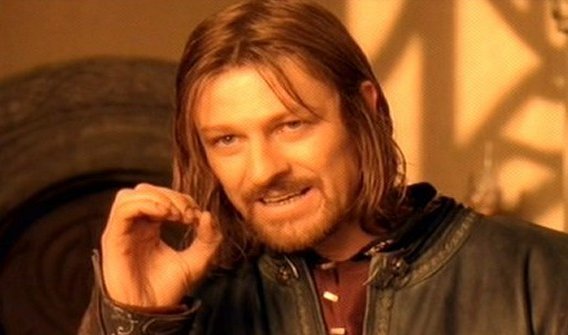
One Does Not Simply
यह बताना कि कोई काम उतना आसान नहीं है
- 2 टेक्स्ट बॉक्स
- इमेज फ्री
तुलना
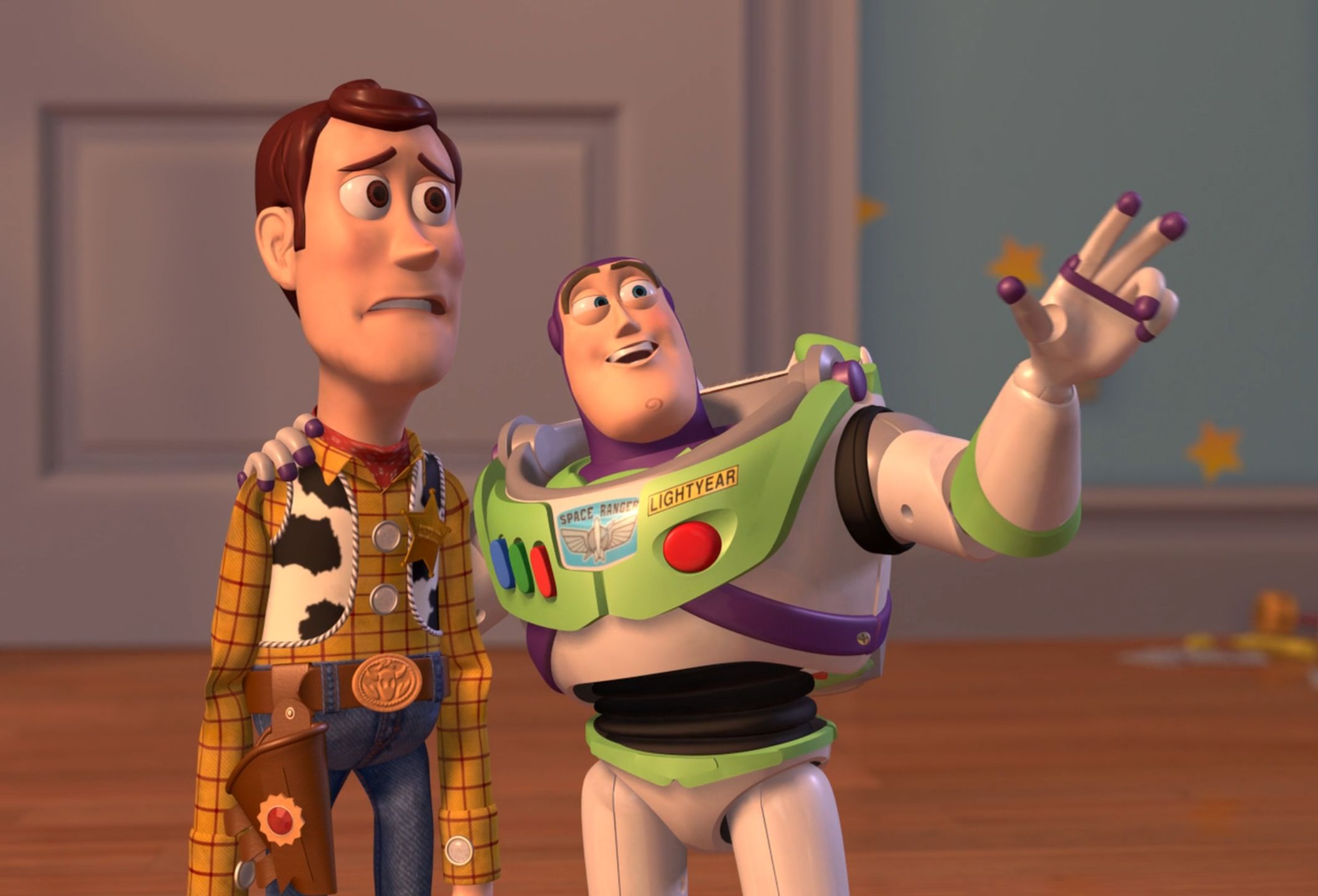
X, X Everywhere
किसी चीज़ का हर तरफ दिखाई देना
- 2 टेक्स्ट बॉक्स
- इमेज फ्री