Blank Nut Button 밈 템플릿 & 생성기
나만의 Blank Nut Button 밈을 직접 만들어 보세요: 도저히 참기 힘든 충동. 아래 템플릿을 편집한 뒤 무료로 다운로드하거나 영상 밈으로 바꿔 보세요.
텍스트 상자 2개 · 600 × 446 px
템플릿 고르기
가장 많이 쓰이는 형식이 먼저 나와요. 전체를 검색하거나 내 이미지로 시작해요.
What Is the Blank Nut Button Meme?
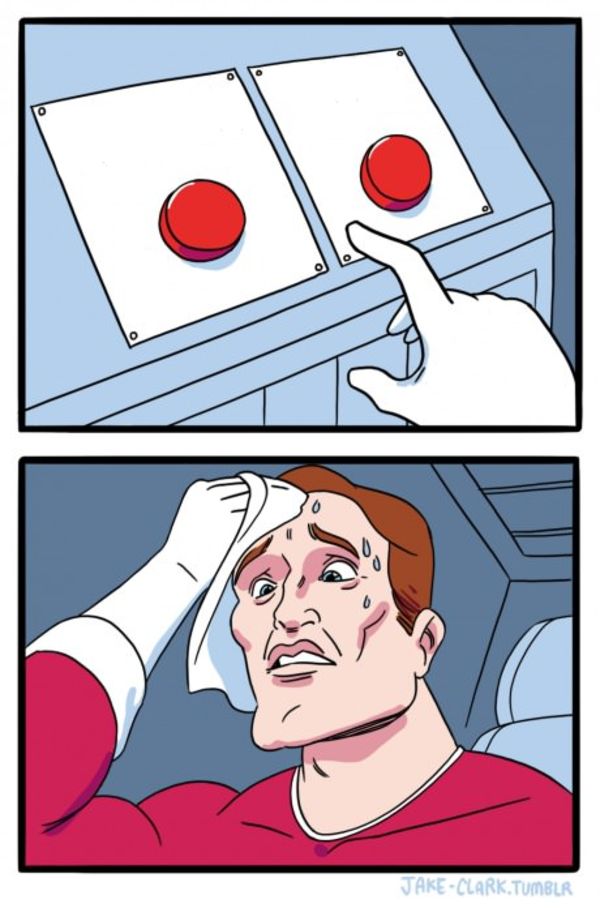
Blank Nut Button shows a large blue button on a small control panel in the lower-left corner, with a hand poised above it as if about to press it. The image is slightly blurry, and the dark background leaves no built-in labels or captions. The meme usually frames the button as a tempting choice or an urge that is hard to resist: one text box describes the temptation, and the other can identify the person or show what happens when they give in. It is also searched as the Nut Button meme or blue button meme.
Where the Meme Comes From
The template comes from a photograph of a hand hovering over a blue button. The exact original source and first use are not well established. The image became recognizable as a meme through online sharing, where users add text to turn the button into a choice, impulse, or reaction. It is safest to treat the image as a widely circulated internet template rather than assign it a specific show, event, or creator.
How to Use the Template
Use the two boxes to set up the temptation and the response:
- Temptation: Put the appealing option or urge here, such as "One more episode".
- Response: Show who is reaching for the button or what they do, such as "Me at 1 a.m.".
Keep the setup short so the relationship between the urge and the hand hovering over the button is clear.
Blank Nut Button Meme Ideas
- One more episode / Me on a work night
- Free snacks in the break room / Me walking past for the third time
- Buying a game on sale / My already unfinished games
- Checking one notification / Me, twenty minutes later
- Staying up late to finish a show / My alarm at 6 a.m.
Make It a Video Meme
As a short video, the hand can shift slightly toward the button while the camera remains focused on the same close-up. Clips longer than 10 seconds get more reach on X, and you can make the video right on this page.
만드는 방법
- 상자에 캡션을 입력해요. 그림에 맞춰 줄이 바뀌고 크기가 조절돼요.
- 캡션을 드래그해서 옮기고, 모서리를 당겨 크기를 바꾸거나, 글꼴과 색상을 바꿔요.
- 이미지를 다운로드하거나 복사해요. 무료이고 계정도 필요 없어요.
- 영상으로 만들기를 누르고, 움직임을 설명하고, 길이를 고른 뒤(X에서는 15초가 가장 잘 돼요) 생성해요.