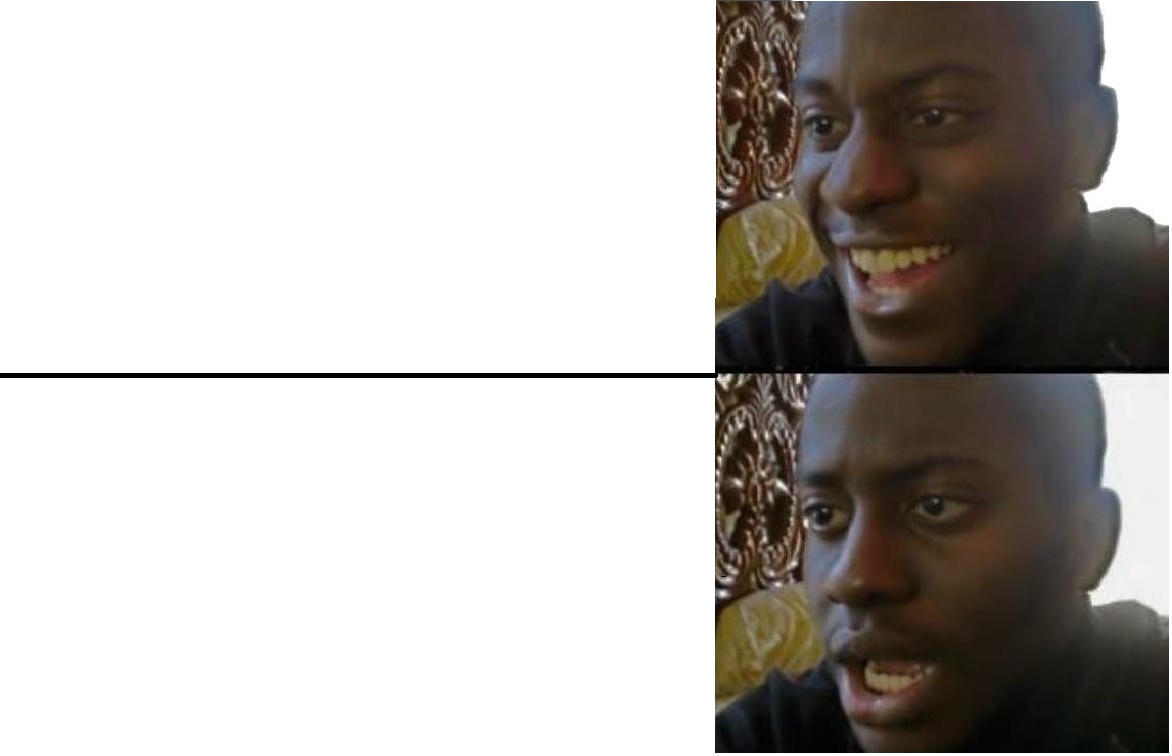
Hide the Pain Harold 밈 템플릿 & 생성기
나만의 Hide the Pain Harold 밈을 직접 만들어 보세요: 괴로움을 감춘 억지 미소. 아래 템플릿을 편집한 뒤 무료로 다운로드하거나 영상 밈으로 바꿔 보세요.
텍스트 상자 2개 · 480 × 601 px
템플릿 고르기
가장 많이 쓰이는 형식이 먼저 나와요. 전체를 검색하거나 내 이미지로 시작해요.
What Is the Hide the Pain Harold Meme?
Hide the Pain Harold is a two-panel photo of an older white-haired, bearded man sitting at a desk with an open laptop and a mug. In the top panel, he looks down toward the laptop with a strained smile. In the bottom panel, he faces forward with a broad, uncomfortable-looking smile. The contrast captures someone trying to appear cheerful while privately enduring an awkward, unpleasant, or frustrating situation.
People also search for the Harold meme, Maurice meme, or Hide the Pain Harold template. The image is commonly used to show a polite reaction that masks discomfort, disappointment, or stress.
Where the Meme Comes From
The man in the photo is András Arató, a Hungarian retired electrical engineer whose stock photos became widely recognizable online. The pictures show him posing at a computer, and their forced-looking smiles inspired the “Hide the Pain Harold” nickname. The meme spread through online forums and social media during the 2010s. The two-panel version uses successive poses to emphasize the change from an inward grimace to a camera-facing smile.
How to Use the Template
Use the two panels as a before-and-after reaction: put the situation first, then show the attempt to keep smiling.
- Top panel: Set up the awkward or painful situation, such as “The meeting could have been an email.”
- Bottom panel: Show the forced response or hidden feeling, such as “Me, nodding and smiling.”
Hide the Pain Harold Meme Ideas
- “They said it’s a quick call” / “It’s been an hour”
- “My boss asks if I have a minute” / “Me, closing my lunch”
- “The recipe says ‘a pinch of salt’” / “I accidentally add half the shaker”
- “I tell everyone I’m well rested” / “Me after four hours of sleep”
- “The dentist asks if I floss” / “Me, smiling through the question”
Make It a Video Meme
This works as a short video by letting Harold’s expression shift subtly between the two poses, from looking down at the laptop to smiling toward the camera. Clips longer than 10 seconds get more reach on X, and the video is made right on this page.
만드는 방법
- 상자에 캡션을 입력해요. 그림에 맞춰 줄이 바뀌고 크기가 조절돼요.
- 캡션을 드래그해서 옮기고, 모서리를 당겨 크기를 바꾸거나, 글꼴과 색상을 바꿔요.
- 이미지를 다운로드하거나 복사해요. 무료이고 계정도 필요 없어요.
- 영상으로 만들기를 누르고, 움직임을 설명하고, 길이를 고른 뒤(X에서는 15초가 가장 잘 돼요) 생성해요.