Blank Nut Button 表情包模板与生成器
制作你自己的 Blank Nut Button 梗图:一股几乎忍不住的冲动。在下方编辑模板,然后免费下载,或把它做成视频表情包。
2 个文字框 · 600 × 446 px
选择模板
最常用的格式排在前面。搜索全部模板,或从自己的图片开始。
What Is the Blank Nut Button Meme?
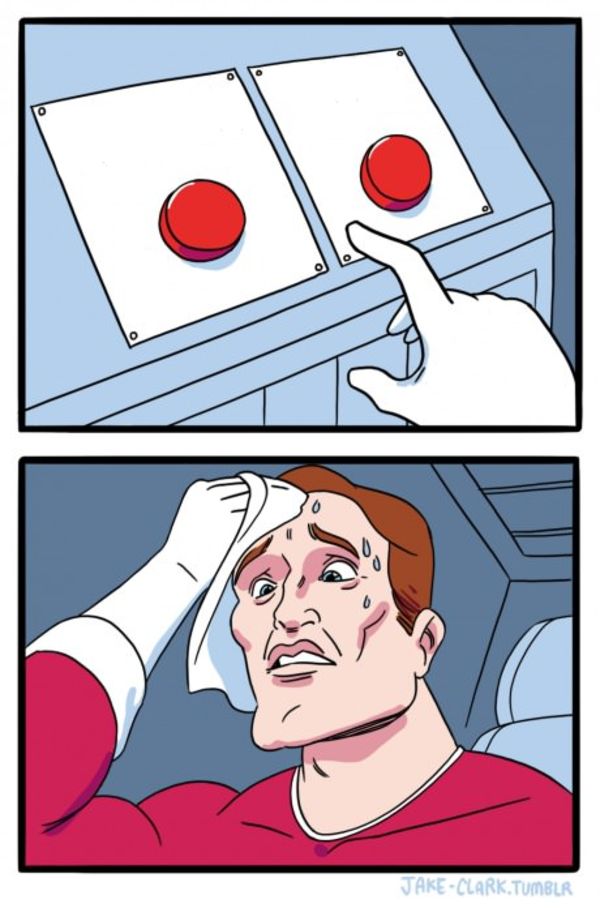
Blank Nut Button shows a large blue button on a small control panel in the lower-left corner, with a hand poised above it as if about to press it. The image is slightly blurry, and the dark background leaves no built-in labels or captions. The meme usually frames the button as a tempting choice or an urge that is hard to resist: one text box describes the temptation, and the other can identify the person or show what happens when they give in. It is also searched as the Nut Button meme or blue button meme.
Where the Meme Comes From
The template comes from a photograph of a hand hovering over a blue button. The exact original source and first use are not well established. The image became recognizable as a meme through online sharing, where users add text to turn the button into a choice, impulse, or reaction. It is safest to treat the image as a widely circulated internet template rather than assign it a specific show, event, or creator.
How to Use the Template
Use the two boxes to set up the temptation and the response:
- Temptation: Put the appealing option or urge here, such as "One more episode".
- Response: Show who is reaching for the button or what they do, such as "Me at 1 a.m.".
Keep the setup short so the relationship between the urge and the hand hovering over the button is clear.
Blank Nut Button Meme Ideas
- One more episode / Me on a work night
- Free snacks in the break room / Me walking past for the third time
- Buying a game on sale / My already unfinished games
- Checking one notification / Me, twenty minutes later
- Staying up late to finish a show / My alarm at 6 a.m.
Make It a Video Meme
As a short video, the hand can shift slightly toward the button while the camera remains focused on the same close-up. Clips longer than 10 seconds get more reach on X, and you can make the video right on this page.
如何制作
- 在文字框里输入文字。它们会随图片自动换行和缩放。
- 拖动文字移动位置,拉动角落调整大小,或更改字体和颜色。
- 下载或复制图片。免费,无需账号。
- 点击“做成视频”,描述动作,选择时长(15 秒在 X 上效果最好),然后生成。