Types of Headaches 迷因範本與產生器
製作你自己的 Types of Headaches 迷因圖:層層遞進的對比,最後一項離譜至極。在下方編輯範本,然後免費下載,或把它做成影片迷因。
2 個文字框 · 483 × 497 px
挑選範本
最常用的格式排在前面。搜尋全部範本,或從自己的圖片開始。
What Is the Types of Headaches Meme?
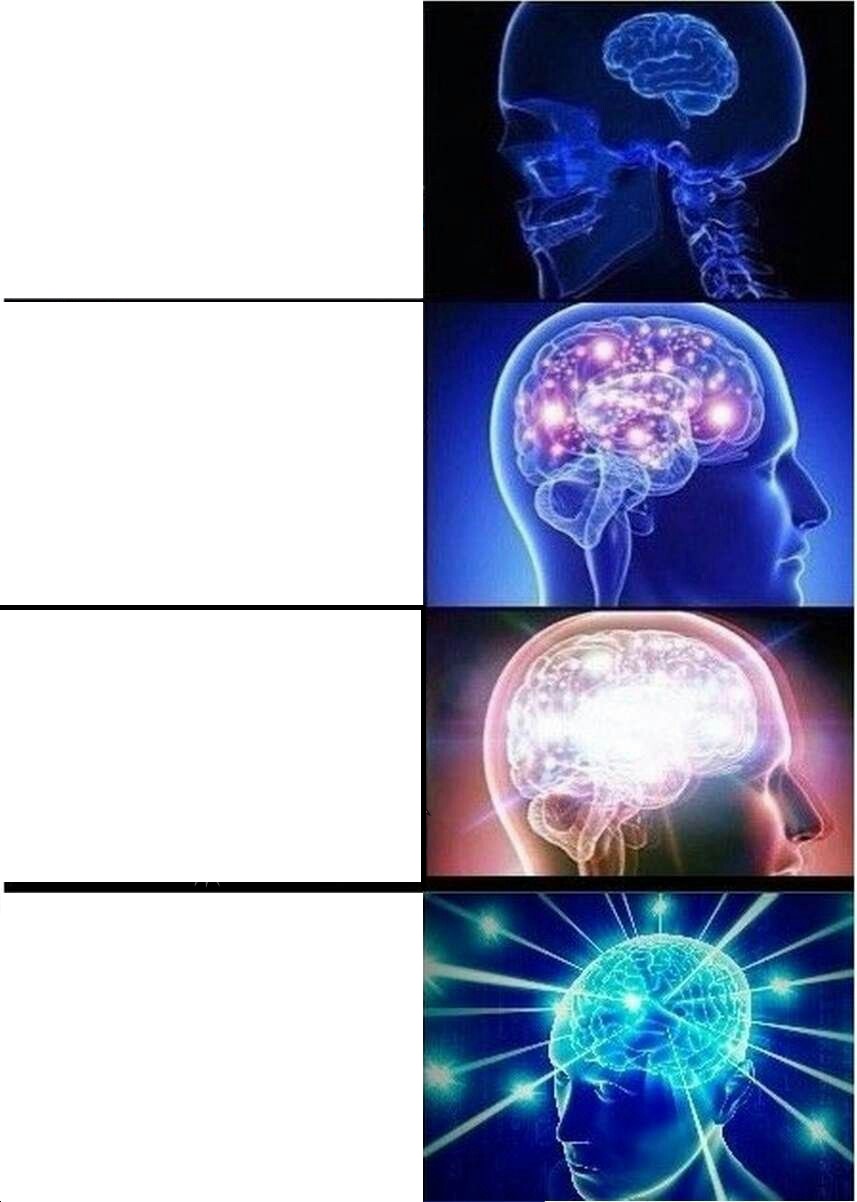
The image is a four-part medical-style diagram titled “Types of Headaches.” Three labeled side-profile heads show red areas for “Migraine,” “Hypertension,” and “Stress.” The lower-right head is completely filled in red and has no label, creating a blank spot for an exaggerated or unexpected final entry. The joke comes from treating increasingly absurd problems as if they were clinical headache types, often making the last one an over-the-top source of pain or stress.
People also search for the Headache Types or Types of Headache meme.
Where the Meme Comes From
This template uses an illustrated headache diagram with a title and three named types. The exact original source and when it first spread as a meme are not clearly established. Its format became useful online because the three labeled examples set up a punchline in the empty fourth position, where users can add a new “type” to fit a situation.
How to Use the Template
Use the two text areas to give the blank final head a name and explain what is causing it.
- Final headache type: Add a short label for the red silhouette, such as “Group project.”
- Cause or punchline: Explain the situation behind it, such as “Everyone says they’ll do their part.”
Keep the text concise so the added idea reads as the final and most extreme entry in the diagram.
Types of Headaches Meme Ideas
- “Monday morning” / “The alarm goes off before sunrise”
- “Bills” / “Rent, utilities, and the car all due this week”
- “Group project” / “The deadline is tomorrow and nobody has started”
- “Slow internet” / “The meeting starts as the video freezes”
- “Family group chat” / “Someone replies all to a message from three years ago”
Make It a Video Meme
As a short video, the illustrated heads can move subtly while the final red silhouette remains the visual punchline and your captions stay readable. Clips longer than 10 seconds get more reach on X. The video is made right on this page.
怎麼做
- 在文字框裡輸入文字。它們會隨圖片自動換行和縮放。
- 拖曳文字移動位置,拉動角落調整大小,或更改字型和顏色。
- 下載或複製圖片。免費,不需帳號。
- 點選「做成影片」,描述動作,選擇長度(15 秒在 X 上效果最好),然後生成。