Mocking SpongeBob 迷因範本與產生器
製作你自己的 Mocking SpongeBob 迷因圖:酸溜溜地模仿別人說話。在下方編輯範本,然後免費下載,或把它做成影片迷因。
2 個文字框 · 502 × 353 px
挑選範本
最常用的格式排在前面。搜尋全部範本,或從自己的圖片開始。
What Is the Mocking SpongeBob Meme?
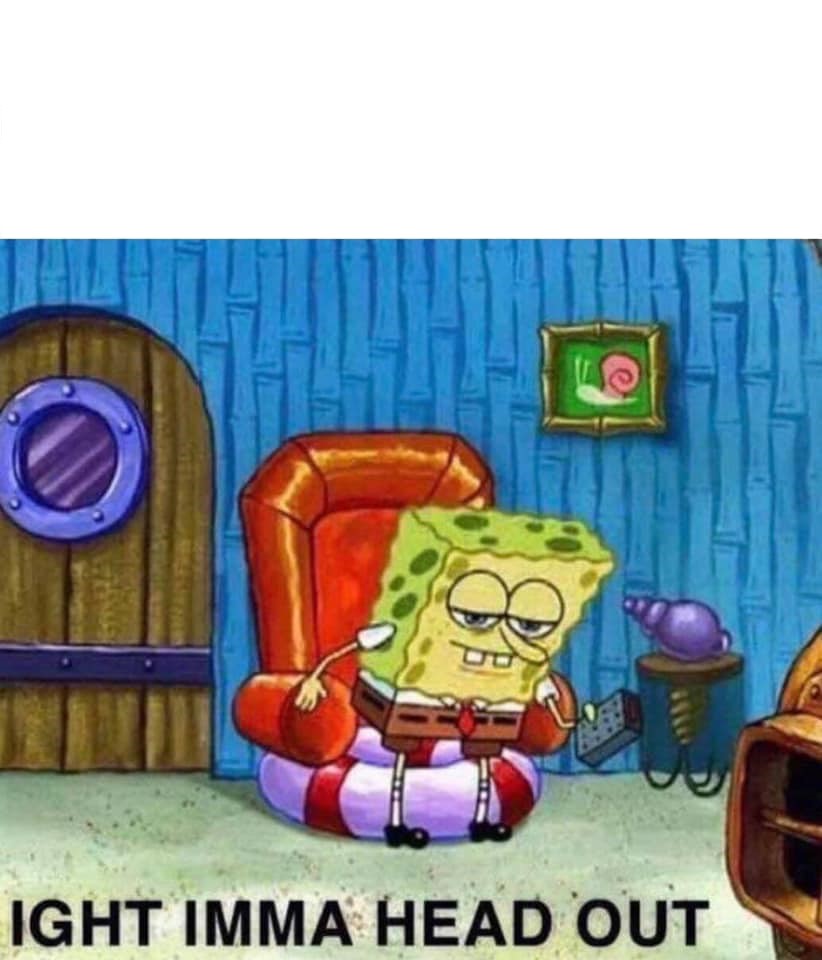
The image shows SpongeBob SquarePants bent forward in an awkward pose, with wide eyes and one arm raised. The distorted posture and expression make him look as if he is repeating someone’s words in a sarcastic, mocking voice. The usual format turns a sentence into alternating uppercase and lowercase letters to suggest exaggerated, sing-song imitation.
It is also searched for as the SpongeBob mocking meme or sArCaStIc SpOnGeBoB meme.
Where the Meme Comes From
The image is a still from the animated television series SpongeBob SquarePants. It became a reaction meme online in 2017, with the alternating-capitalization style helping it spread across social media. The format is commonly used to repeat a claim, complaint or instruction as a deliberately childish taunt.
How to Use the Template
This template uses two text boxes for the words being mocked and their sarcastic repetition:
- Original statement: Write the ordinary sentence someone says, such as “I do not like pineapple on pizza.”
- Mocking repeat: Rewrite it in alternating uppercase and lowercase, such as “i Do NoT lIkE pInEaPpLe On PiZzA.”
Keep the second line readable. The capitalization does the work, so the sentence does not need extra explanation.
Mocking SpongeBob Meme Ideas
- Please lower your voice / pLeAsE lOwEr YoUr VoIcE
- I have to wake up early tomorrow / i HaVe To WaKe Up EaRlY tOmOrRoW
- You cannot have dessert before dinner / yOu CaNnOt HaVe DeSsErT bEfOrE dInNeR
- This meeting could have been an email / tHiS mEeTiNg CoUlD hAvE bEeN aN eMaIl
- I am definitely going to start exercising on Monday / i Am DeFiNiTeLy GoInG tO sTaRt ExErCiSiNg On MoNdAy
Make It a Video Meme
As a short video, SpongeBob can subtly shift his posture, blink and move his raised arm while the captions remain in place. Clips longer than 10 seconds get more reach on X, and you can make the video right on this page.
怎麼做
- 在文字框裡輸入文字。它們會隨圖片自動換行和縮放。
- 拖曳文字移動位置,拉動角落調整大小,或更改字型和顏色。
- 下載或複製圖片。免費,不需帳號。
- 點選「做成影片」,描述動作,選擇長度(15 秒在 X 上效果最好),然後生成。