Y'all Got Any More of That 迷因範本與產生器
製作你自己的 Y'all Got Any More of That 迷因圖:討要更多讓你欲罷不能的東西。在下方編輯範本,然後免費下載,或把它做成影片迷因。
2 個文字框 · 600 × 471 px
挑選範本
最常用的格式排在前面。搜尋全部範本,或從自己的圖片開始。
What Is the Y'all Got Any More of That Meme?
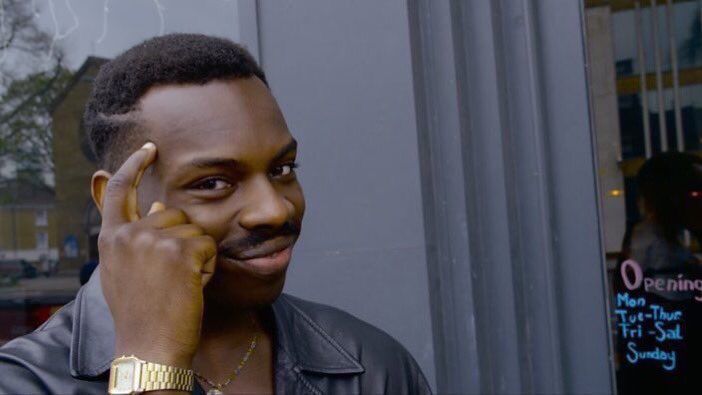
The image is a close-up of a man wearing a red knit cap and a tan jacket with a dark collar. He looks toward the camera with his mouth slightly open and one hand near his throat. The blurred background appears to be outdoors or in a dim public place. The familiar caption turns his expression into a request for more of something someone wants badly, often in an exaggerated or jokingly desperate way. It is used for cravings, repeated habits, and enthusiasm for anything that feels scarce or irresistible.
People also search for the Y'all Got Any More of That meme and the Chappelle Show meme.
Where the Meme Comes From
The still is associated with Dave Chappelle's sketch comedy series Chappelle's Show, where Chappelle played Tyrone Biggums, a fictional character portrayed as a drug addict. The character's catchphrase is the source of the familiar wording. The image later circulated online as a reaction meme; its exact first upload and spread date are not firmly established.
How to Use the Template
Use the two text boxes to set up the craving and then deliver the request:
- What you want: Name the thing you can't get enough of, such as "One more episode".
- The request: Add the familiar plea for more, such as "Y'all got any more of that?".
Keep the setup specific so the request has a clear target.
Y'all Got Any More of That Meme Ideas
- Fresh coffee / Y'all got any more of that?
- One quiet afternoon / Y'all got any more of that?
- The last slice of pizza / Y'all got any more of that?
- A song I like / Y'all got any more of that?
- Five minutes of extra sleep / Y'all got any more of that?
Make It a Video Meme
This works as a short video with a subtle blink, a small head movement, and a slight shift of his hand while the captions stay fixed. Clips longer than 10 seconds get more reach on X, and you can make the video right on this page.
怎麼做
- 在文字框裡輸入文字。它們會隨圖片自動換行和縮放。
- 拖曳文字移動位置,拉動角落調整大小,或更改字型和顏色。
- 下載或複製圖片。免費,不需帳號。
- 點選「做成影片」,描述動作,選擇長度(15 秒在 X 上效果最好),然後生成。