Ads
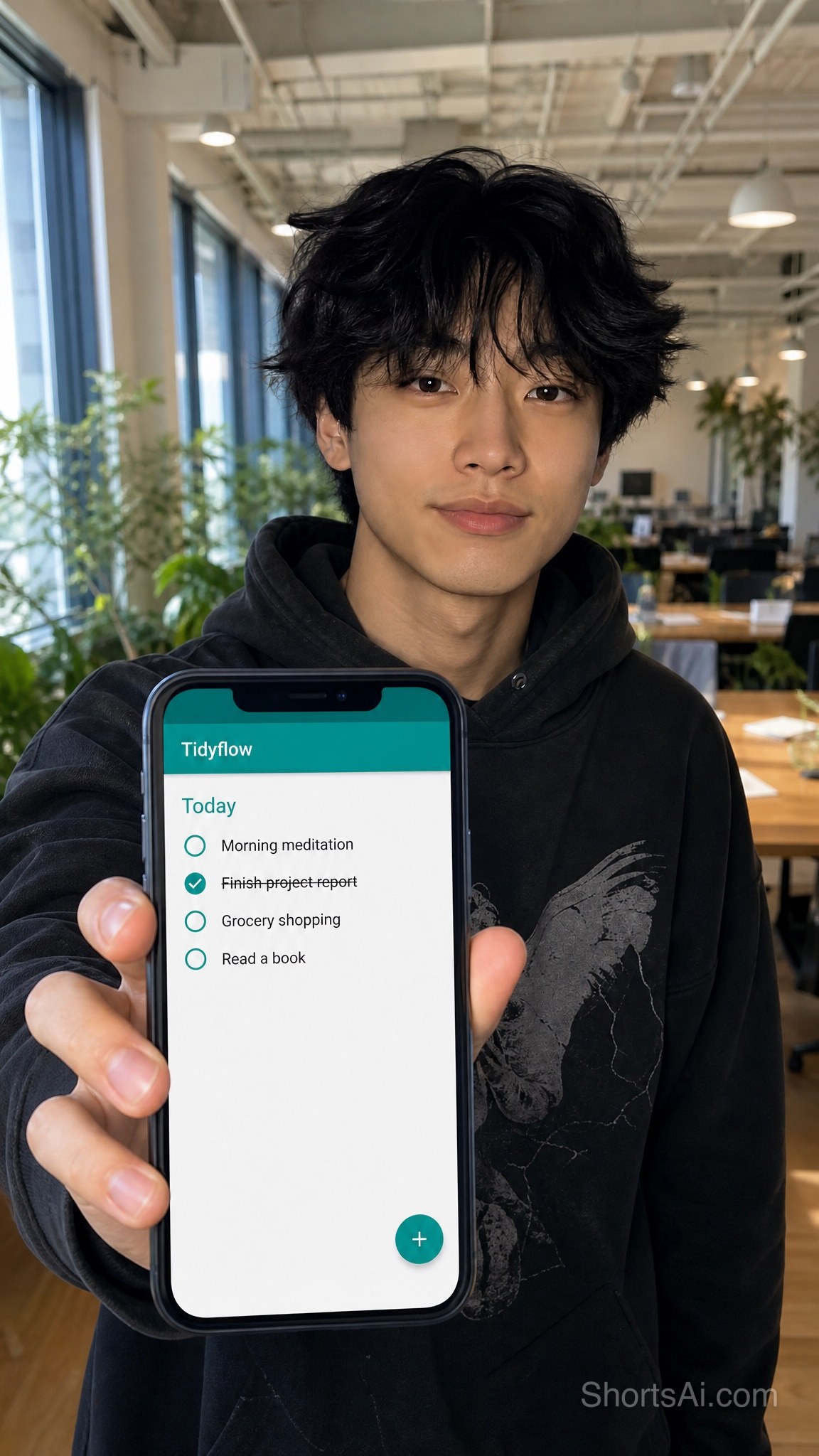
App screen on a phone in hand
Show your app on a real phone, held to camera
- GPT Image 2
- 2k
- 9:16
- Medium
- 4 credits
- Model
- GPT Image 2
- Mode
- Text + references
- Resolution
- 2k
- Aspect ratio
- 9:16
- Quality
- Medium
- Remakes
- 0
References used in the demo

@Image 1 KAI
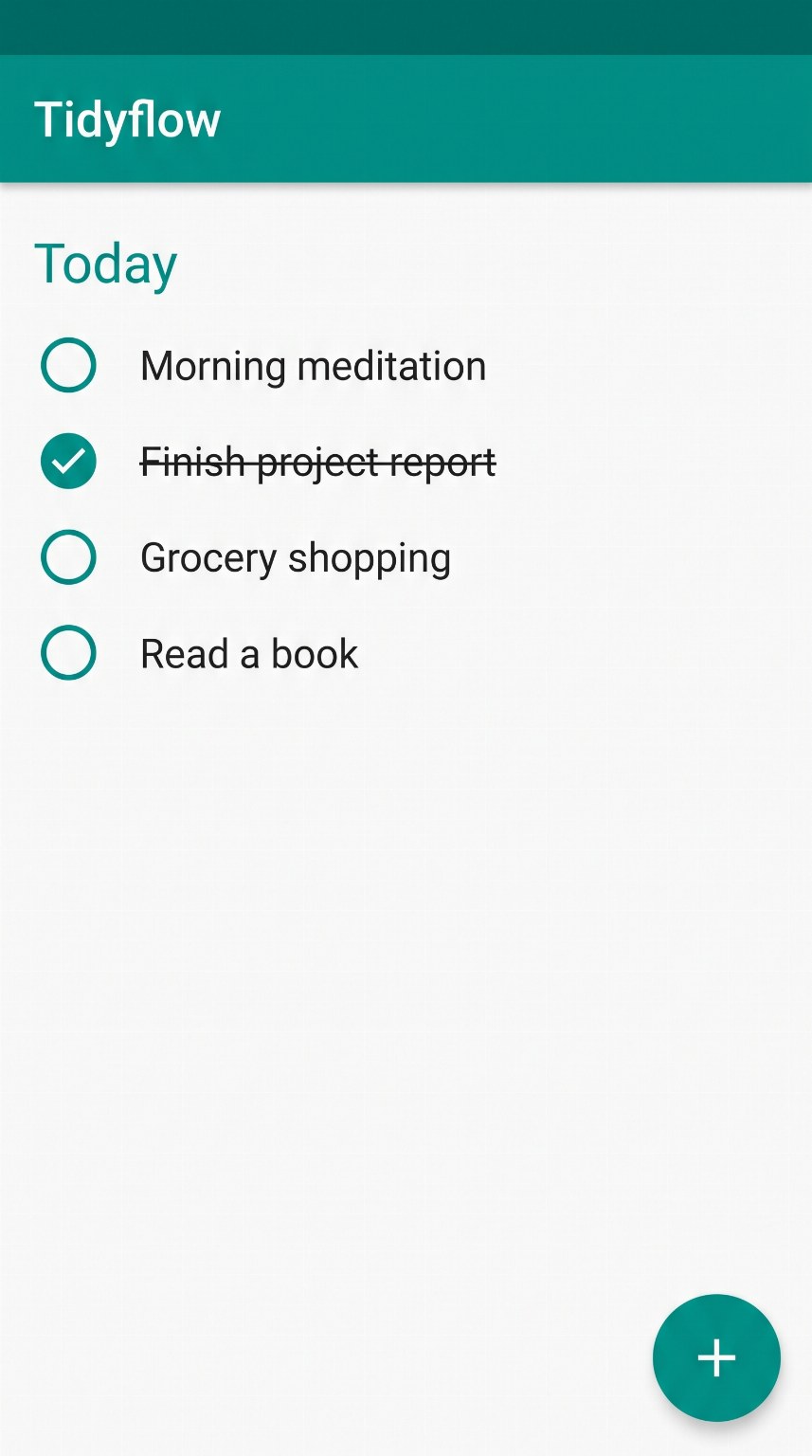
@Image 2 TIDYFLOW
Make it yours
Swap the images, edit the words, pick a model. The recipe is pre-filled from the demo.
Reference images
@Image 1@Image 2Use the names in the prompt as @NAME or the @Image N tags. A sharp, well-lit photo works best.
Prompt1,610 chars
- GPT Image 2
- 2k
- 9:16
- Medium
- 4 credits per image
About this template
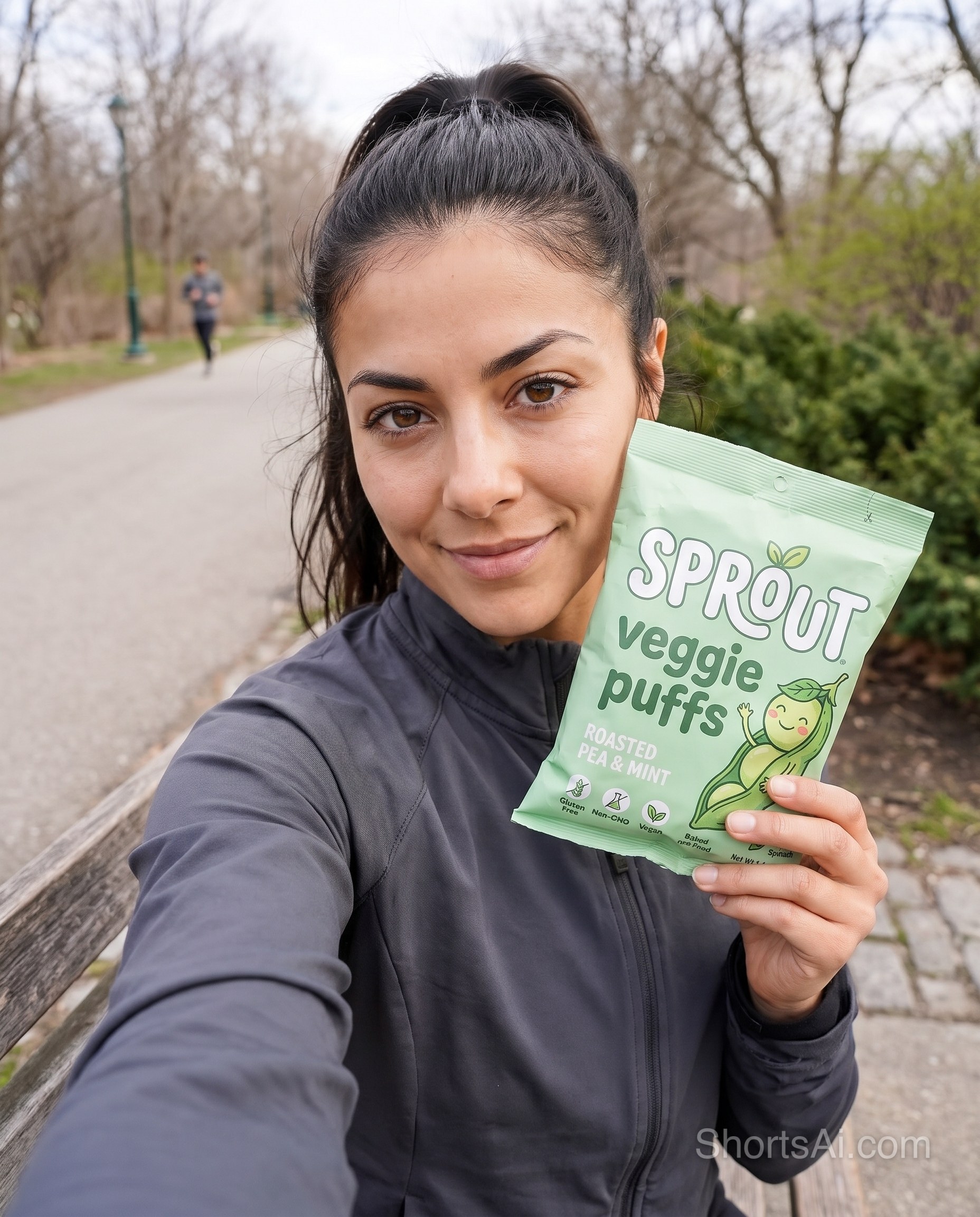
An app ad without a photo shoot: a presenter holds a phone toward the camera and the screen shows your real app. GPT Image 2 takes the face and a screenshot as references and copies every word on the screen letter for letter, so the interface on the phone is your interface and not an invented one. Portrait 9:16, ready for stories and short-form ads.
Upload a 9:16 screenshot of your app, pick a presenter and list the words on your screen in the prompt so they stay exact. Productivity apps, finance, booking, shopping and any software you can show on a phone.
How to make this image yours
- Replace the reference images with your product, your photo, or one of our AI influencers. Keep the names so the prompt still points at them.
- Edit the quoted words in the prompt. That is where the headline, the product name and the message live.
- Keep GPT Image 2 or switch model. Resolution, aspect ratio and quality follow what the chosen model supports, and the credit price updates live.
- Generate up to four variations. The images appear below the panel and in your dashboard, ready to download or animate into a video.