Short Video Generator with Your Images
Turn your own images into professional short videos with AI-powered voiceovers, captions, and music. Perfect for YouTube Shorts, Instagram Reels, and TikTok.
to supply your own voiceover script.
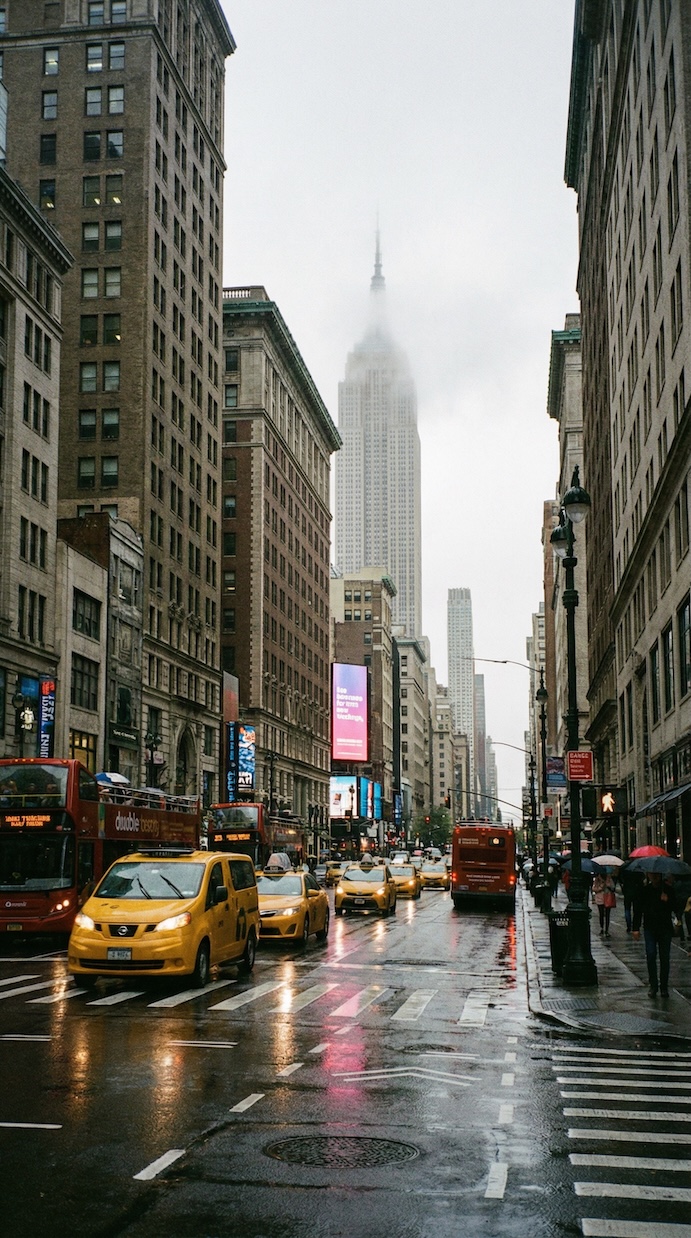
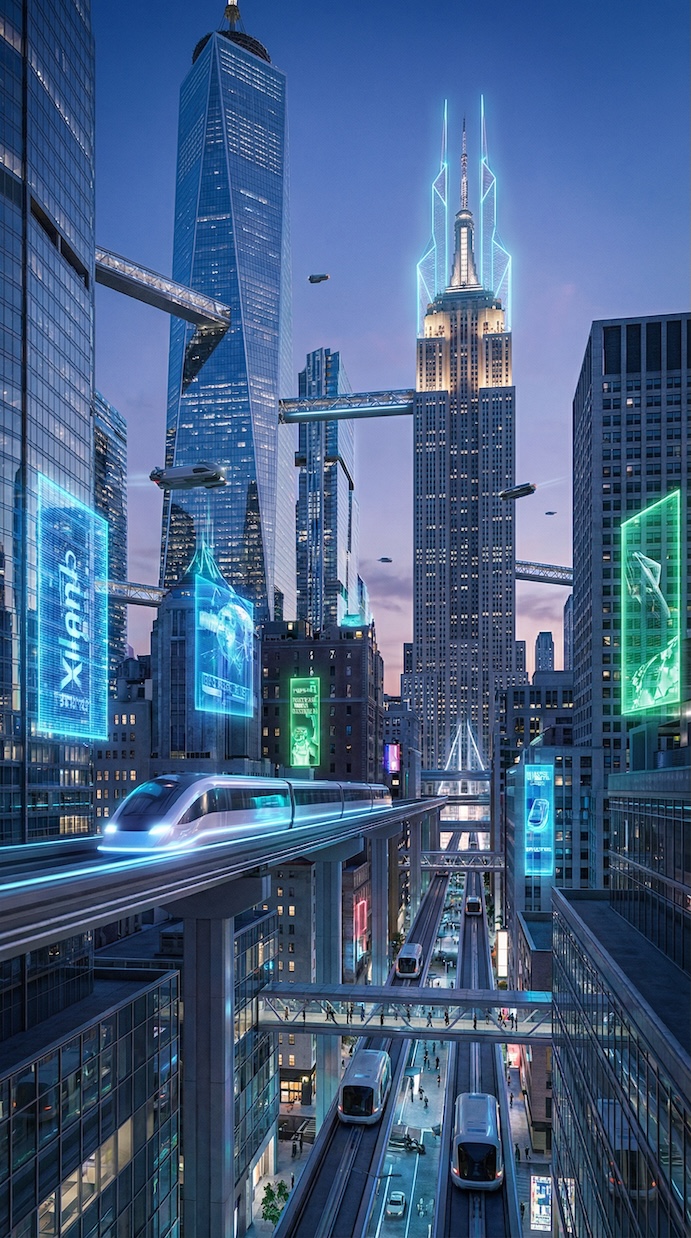
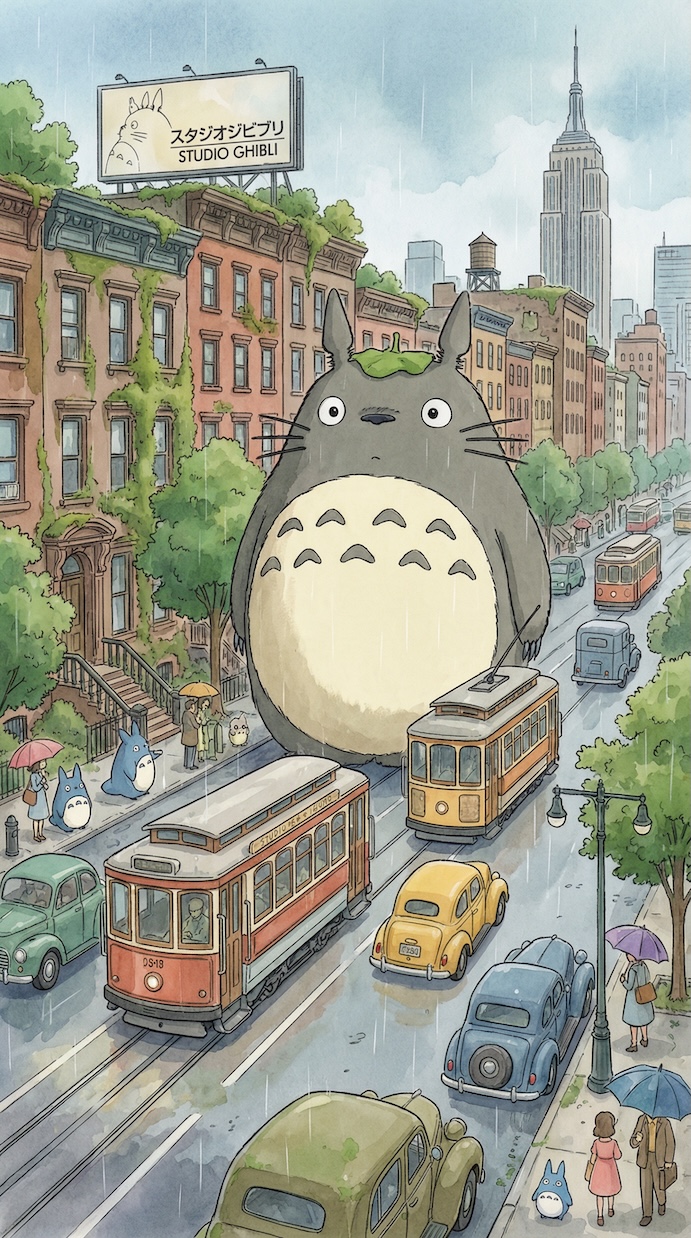
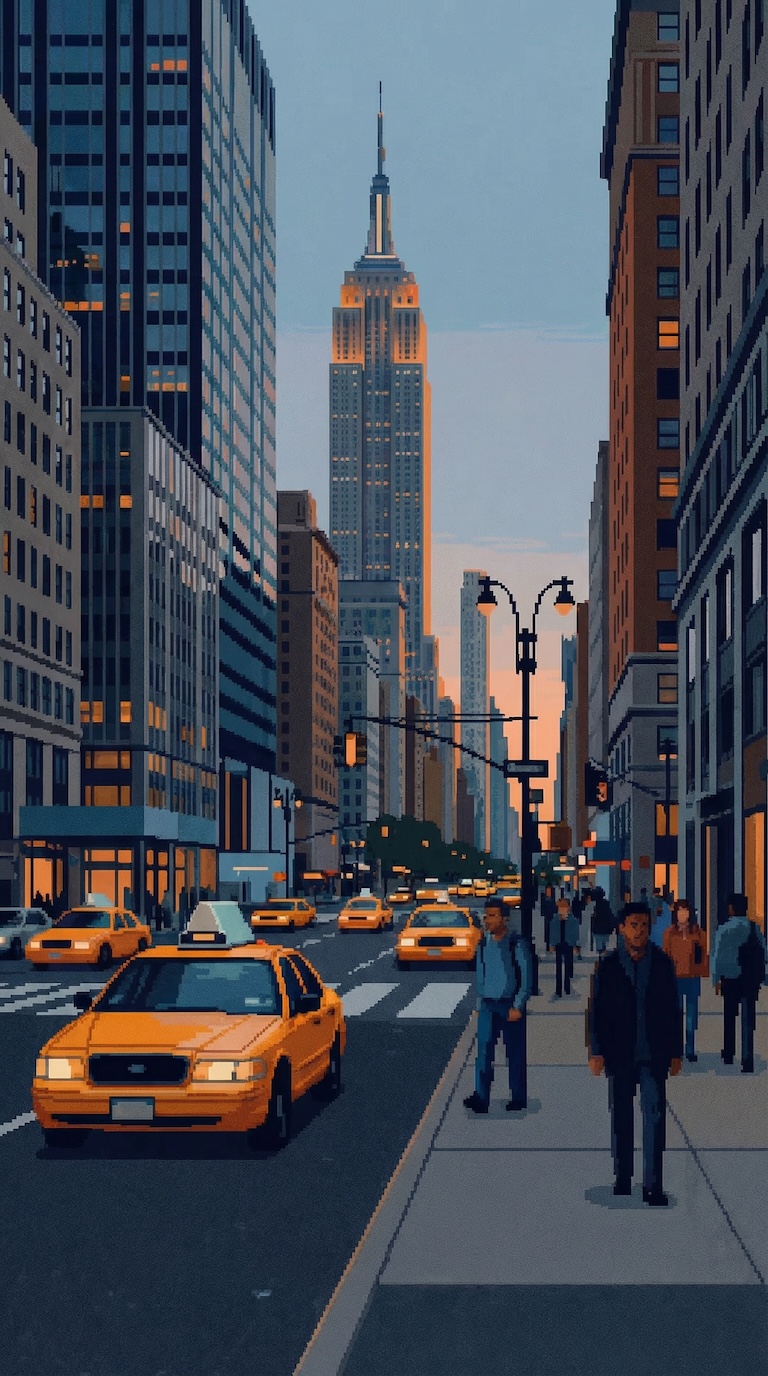
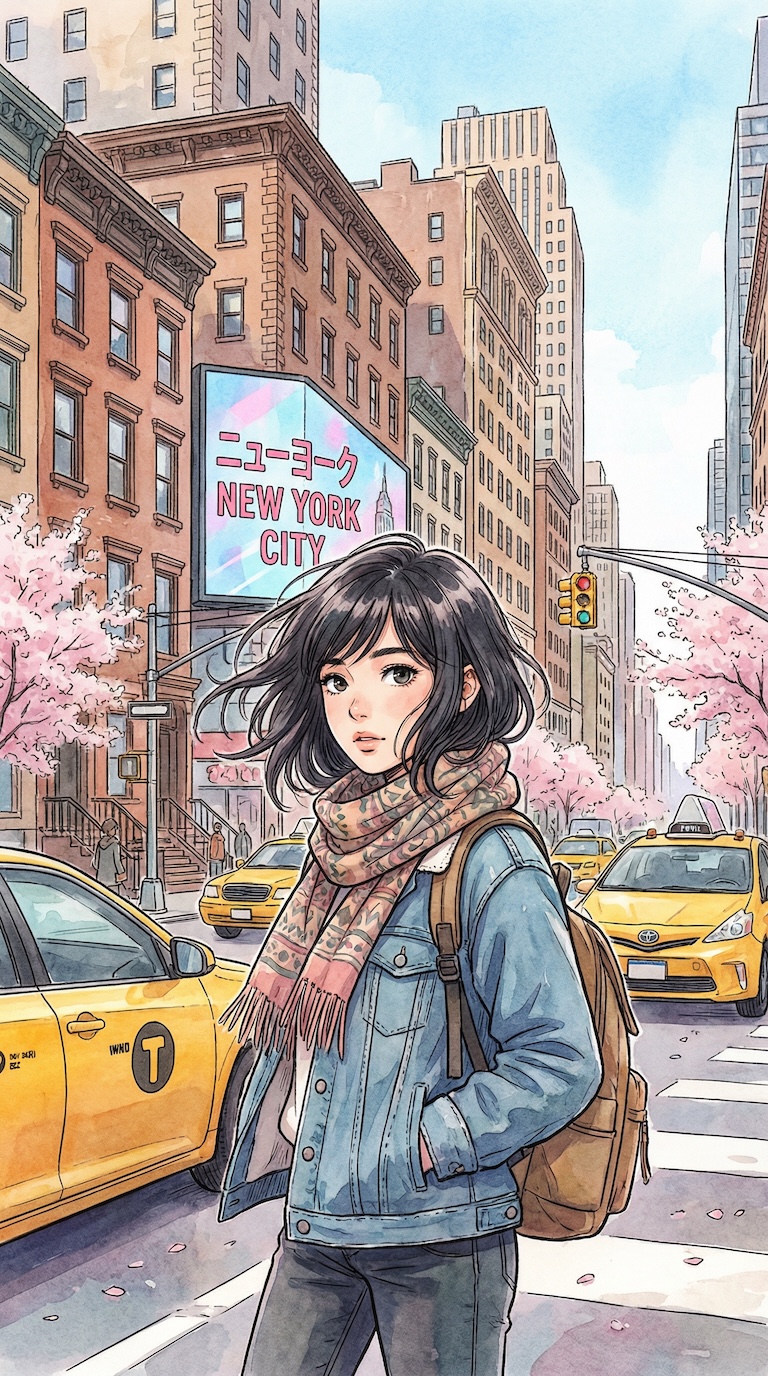


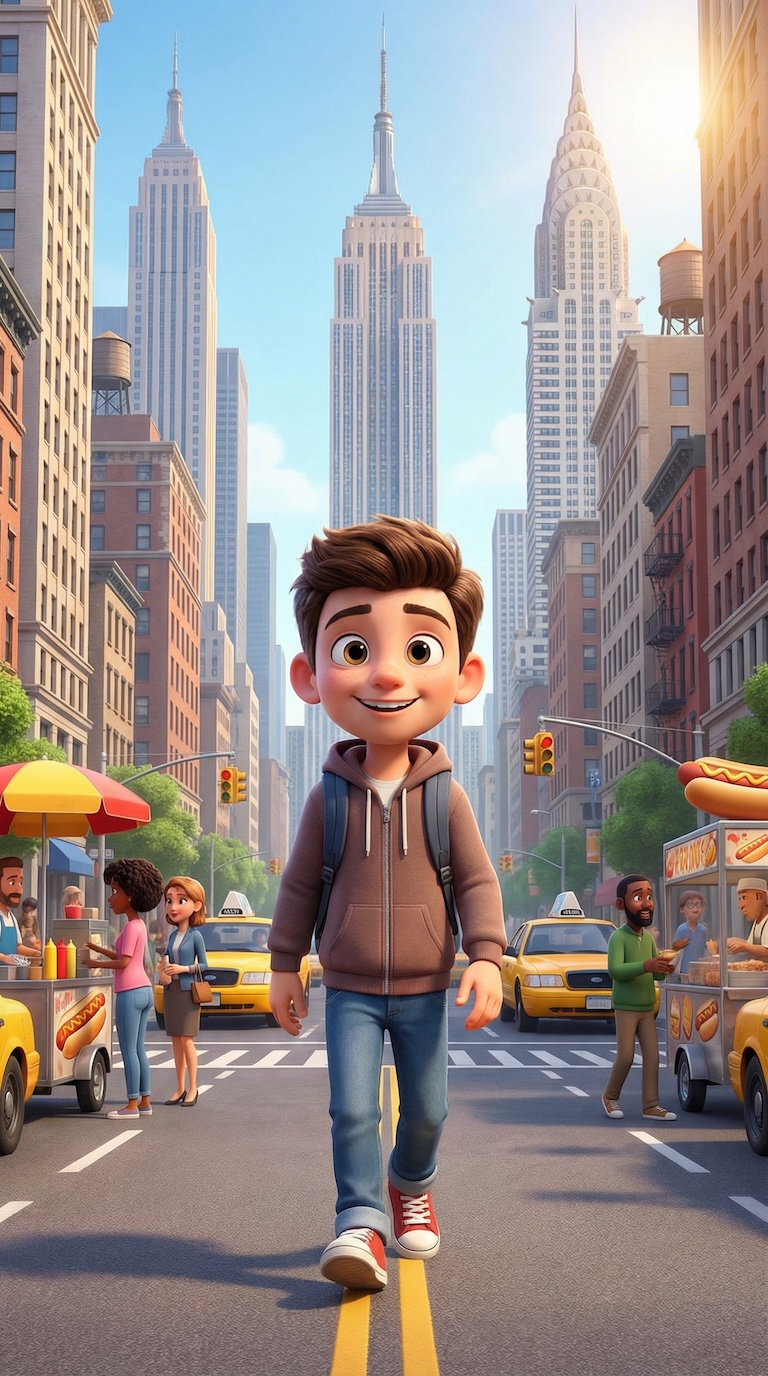
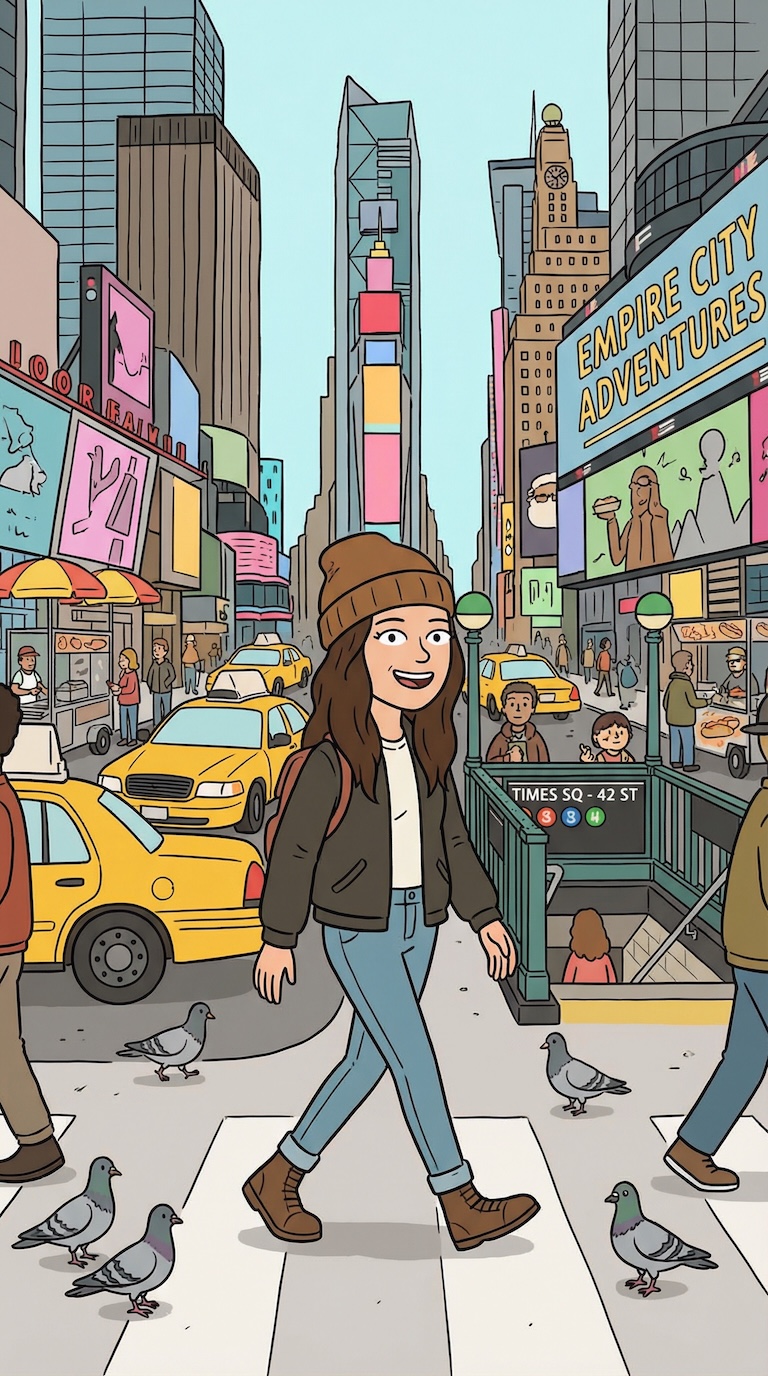
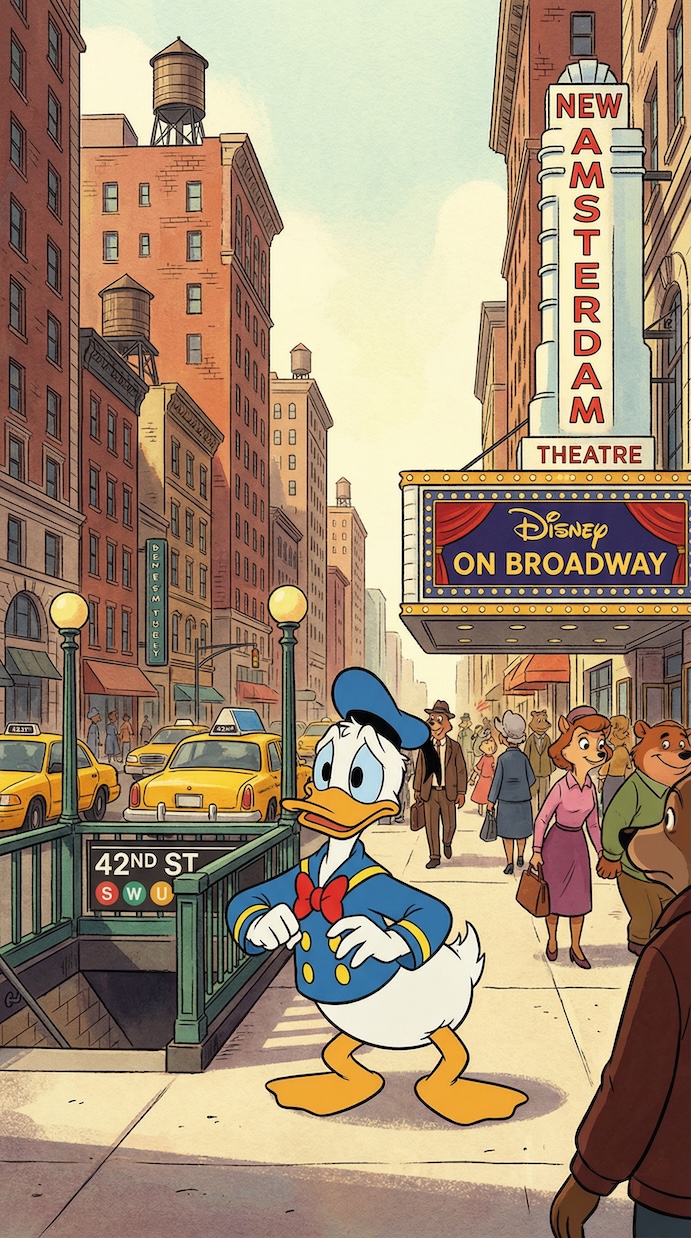
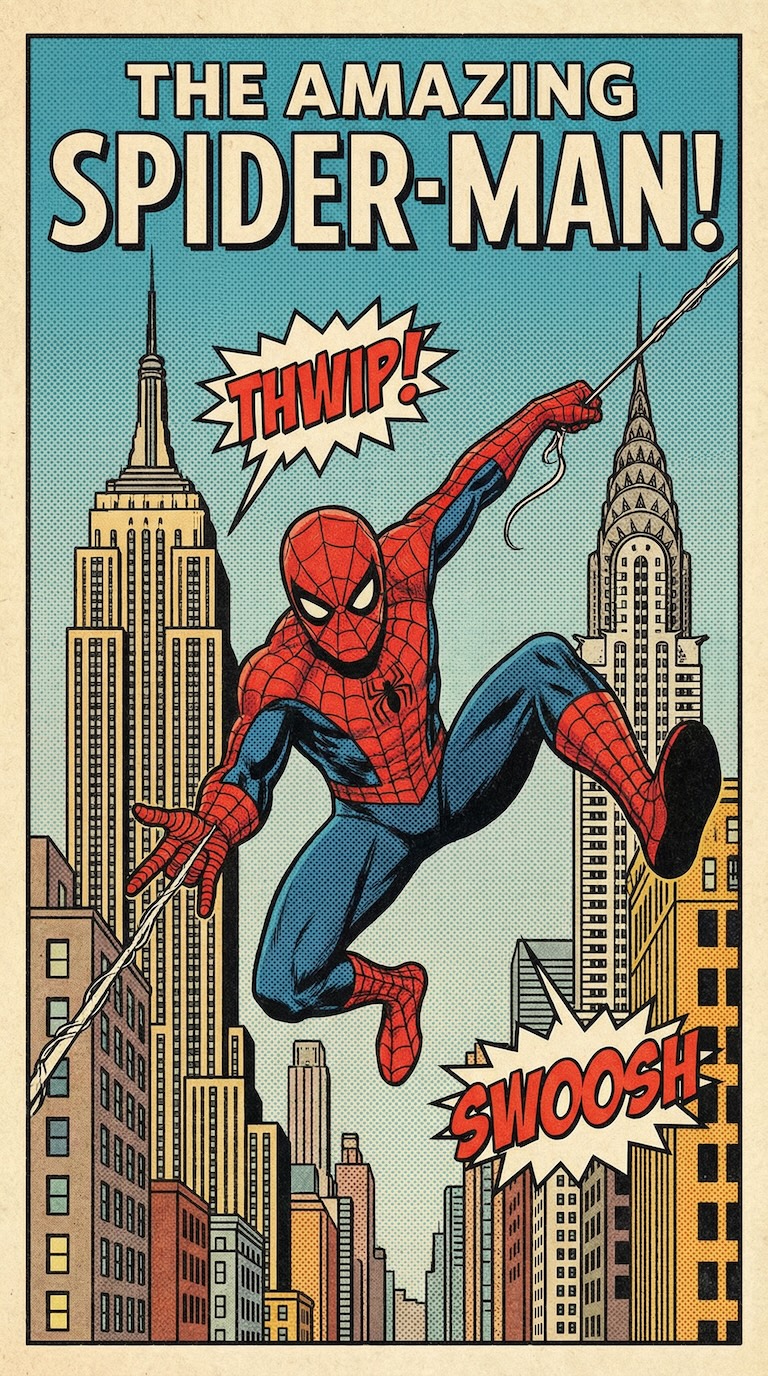
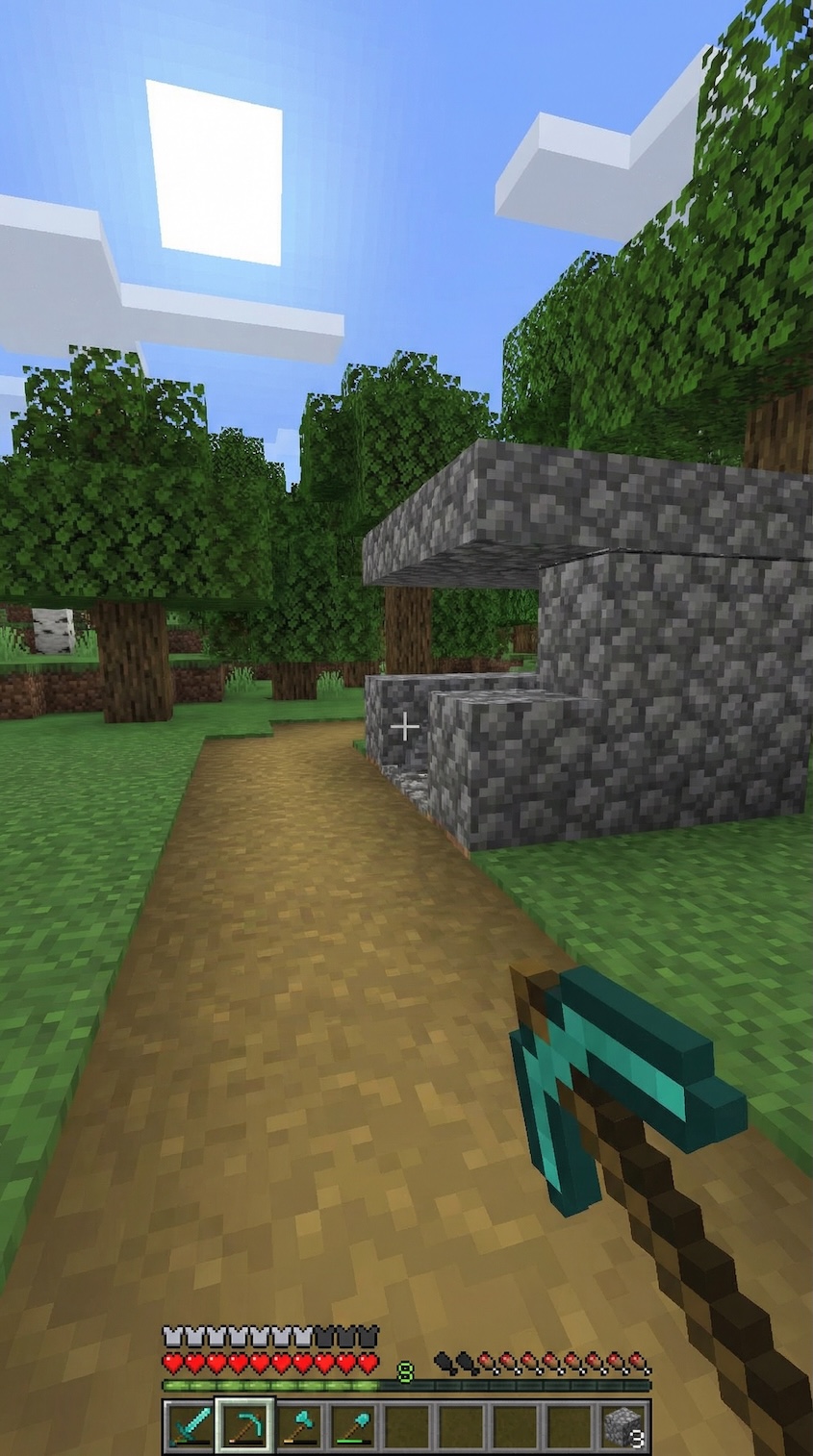
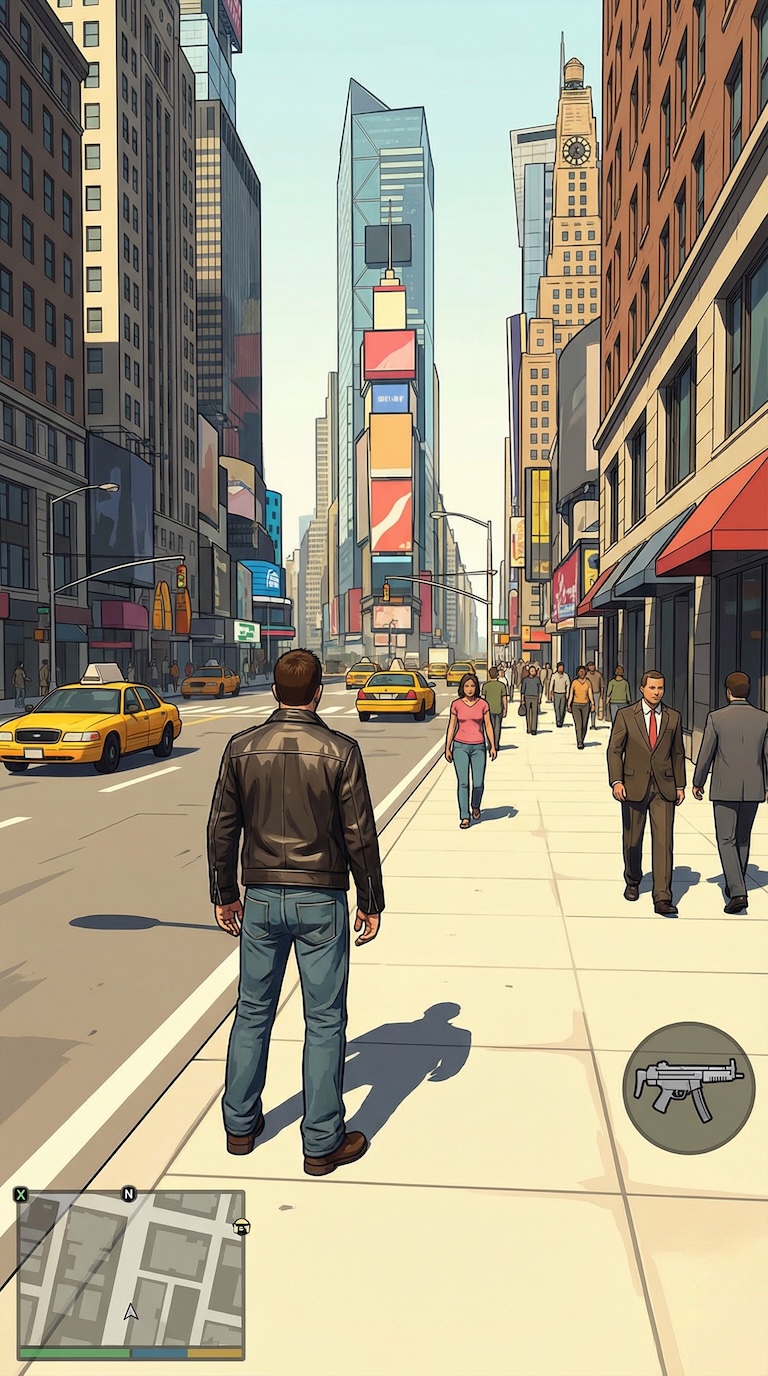
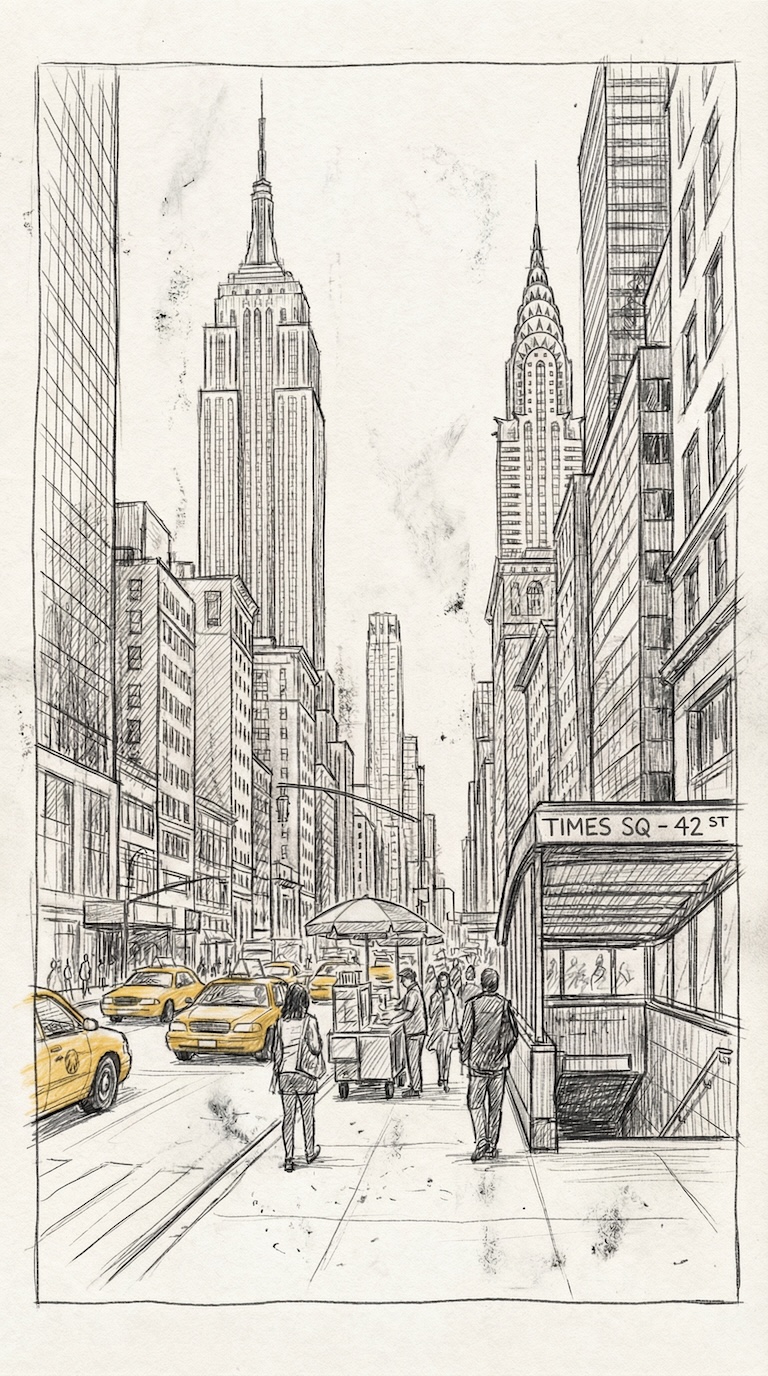

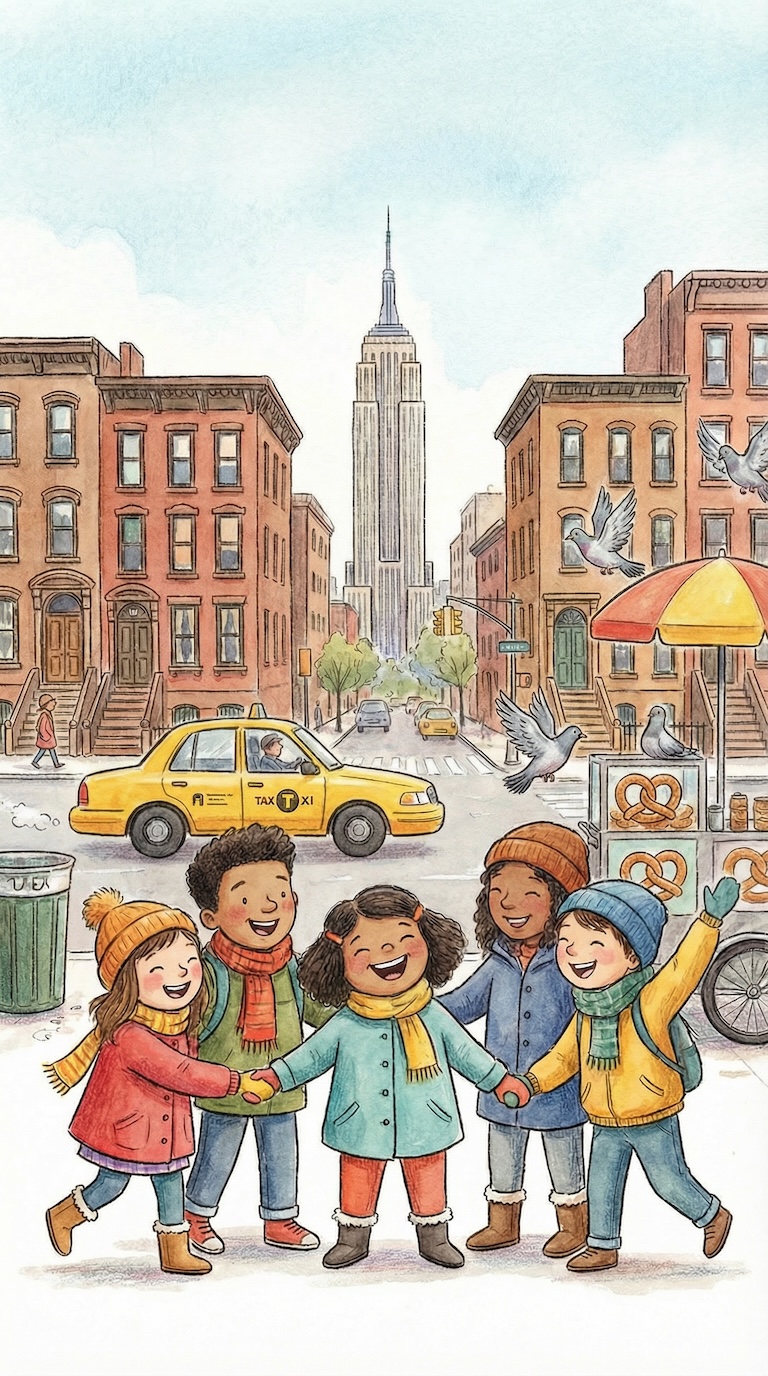
Enter a custom style description for AI image generation.
Samples
Sample videos made with Shorts AI
Turn Your Photos Into Engaging Short Videos
Our photo to video maker transforms your own images into scroll-stopping content for social media. Unlike generic AI video generators that create random visuals, this tool puts your actual photos front and center—making your videos personal, authentic, and uniquely yours.
Whether you're showcasing products, documenting travels, creating before-and-after content, or building a personal brand, our image to video tool handles everything else: transitions, timing, voiceovers, captions, and music. You provide the visuals; AI handles the production.
How to Create Videos from Your Photos
Creating professional videos from your images takes just a few steps with our photo to video maker:
- Upload Your Images: Drag and drop your photos (JPG, PNG, or other formats) into the upload area. Add as many as you need for your video length.
- Write or Generate Your Script: Enter your own voiceover script, or let our AI generate an engaging script based on your topic and tone preferences.
- Choose Your Voice: Select from 9 professional AI voices to narrate your video with natural-sounding speech.
- Customize Your Style: Set your aspect ratio, add captions, select background music, and adjust other settings to match your brand.
- Generate & Download: Click generate and receive your polished video ready to post on any platform.
Photo to Video Maker Features
Our custom image video generator includes everything you need to create professional videos from your photos:
- Custom Image Upload: Use your own photos, product shots, screenshots, or any images you want to feature
- AI Script Generation: Optional AI-powered scriptwriting if you need help with your voiceover
- 9 Professional AI Voices: Choose from Cathy, Jennifer, Sarah, Frank, Adam, Andrew, Oliver, George, or Sam
- Auto-Generated Captions: Add viral-style captions with customizable templates, colors, and animations
- Background Music Library: Select from preset tracks or add your own custom music URL
- Flexible Video Lengths: Create 40-second or 80-second videos depending on your content needs
- Platform-Perfect Aspect Ratios: Export in 9:16 (vertical), 1:1 (square), or 16:9 (horizontal)
- B-Roll Integration: Optionally add supplementary AI-generated footage between your images
- Custom Watermarks: Brand your videos with your own logo
- Preview Before Render: See how your images will flow before generating the final video
Best Use Cases for Photo to Video
Our image to video tool is perfect for creators who want their own visuals in their content:
- Product Showcases: Turn product photos into engaging video ads for e-commerce and social selling
- Travel Content: Transform vacation photos into shareable travel videos with narration
- Before & After: Create compelling transformation videos for fitness, home renovation, or makeover content
- Portfolio Videos: Showcase your work—photography, design, art—in video format for more engagement
- Real Estate Tours: Turn property photos into virtual tour videos with professional narration
- Educational Content: Convert diagrams, charts, and instructional images into explainer videos
- Event Recaps: Compile event photos into highlight videos with music and voiceover
- Personal Memories: Turn family photos into video montages for special occasions
Why Use Your Own Images?
While AI-generated visuals are impressive, there are times when your own photos are simply better:
- Authenticity: Real photos of real products, places, and people build trust with your audience
- Brand Consistency: Your existing visual assets already match your brand style and colors
- Unique Content: No one else has your photos, making your videos truly one-of-a-kind
- Personal Connection: Real images create emotional connections that AI visuals can't replicate
- Specific Requirements: When you need to show exactly what something looks like, only real photos will do
Create Videos for Every Platform
Our photo to video maker exports content optimized for all major social platforms:
- YouTube Shorts: Vertical 9:16 videos perfectly formatted for YouTube's short-form feed
- Instagram Reels & Stories: Create eye-catching content that drives engagement
- TikTok: Produce authentic-looking videos designed for TikTok's audience
- Facebook Reels: Repurpose your content for Facebook's growing short-form audience
- LinkedIn: Professional square or horizontal videos for business content
- Pinterest Video Pins: Vertical videos optimized for Pinterest's visual discovery platform
Tips for Better Photo-to-Video Results
Get the most out of our image to video tool with these best practices:
- Use High-Quality Images: Well-lit, clear photos produce the best results. Higher resolution means sharper video.
- Maintain Consistent Style: Images with similar lighting, colors, and composition create smoother-flowing videos.
- Tell a Story: Arrange your images in a logical sequence that takes viewers on a journey.
- Match Image Count to Length: More images for longer videos, fewer for shorter ones, to avoid rushed or slow pacing.
- Consider Aspect Ratio: Vertical images work best for 9:16 videos; horizontal images suit 16:9 format.
Frequently Asked Questions
What image formats can I upload?
Our photo to video maker accepts all common image formats including JPG, JPEG, PNG, and WebP. For best results, use images that are at least 1080 pixels on the shortest side. There's no strict size limit, but extremely large files may take longer to process.
How many images can I include in one video?
The number of images depends on your video length. For a 40-second video, we recommend 8-12 images for comfortable pacing. For 80-second videos, 15-25 images work well. You can adjust the timing to show each image longer or shorter based on your script and content needs.
Can I reorder my images after uploading?
Yes, you can drag and drop to reorder your images after uploading them. The preview feature lets you see exactly how your images will appear in sequence before generating the final video, so you can make adjustments until the flow feels right.
Do I need to write my own script?
No, writing your own script is optional. You can enter a topic or description and let our AI generate an engaging voiceover script for you. Alternatively, you can write your own script for complete control over what the narrator says. Many users do a mix—generating an AI script and then editing it to their liking.
Can I use this for commercial purposes?
Absolutely. Videos created with our image to video tool are yours to use commercially. This includes social media marketing, advertisements, client projects, and monetized content. Just ensure you have the rights to use any images you upload—the tool doesn't grant rights to images you don't own.
What's the difference between this and the regular AI video generator?
The main difference is the image source. Our regular AI Short Video Generator creates all visuals using AI based on your script. This photo to video maker uses your uploaded images instead. Choose this tool when you have specific photos you want to feature; choose the AI generator when you want completely AI-created visuals.
Prefer AI-Generated Images?
Don't have your own photos, or want the AI to handle visuals too? Use our AI Short Video Generator to create complete videos with AI-generated images in seconds. Just describe your topic, and the AI creates matching visuals, voiceover, captions, and music—all automatically.
Start Creating Videos from Your Photos Today
Join thousands of creators who use our photo to video maker to transform their images into engaging social content. Whether you're a business showcasing products, a traveler sharing adventures, or a creator building your brand, our tool makes professional video creation simple.
Upload your first images now and see how easy it is to turn photos into videos with AI-powered voiceovers, captions, and music. No video editing skills required.
Have feedback or feature requests? We're constantly improving our photo to video maker based on user input. Use the Feedback link in the bottom left corner—we read every submission.