Product ads
Frozen moment product ad
One take: a slip, time freezes, the product gets its close-up
- Kling 4.0
- 720p
- 9:16
- Sound on
- 15s
- 60 credits
- Model
- Kling 4.0
- Mode
- Text + references
- Length
- 15s
- Remakes
- 0
References used in the demo

@Image 1 SOFIA
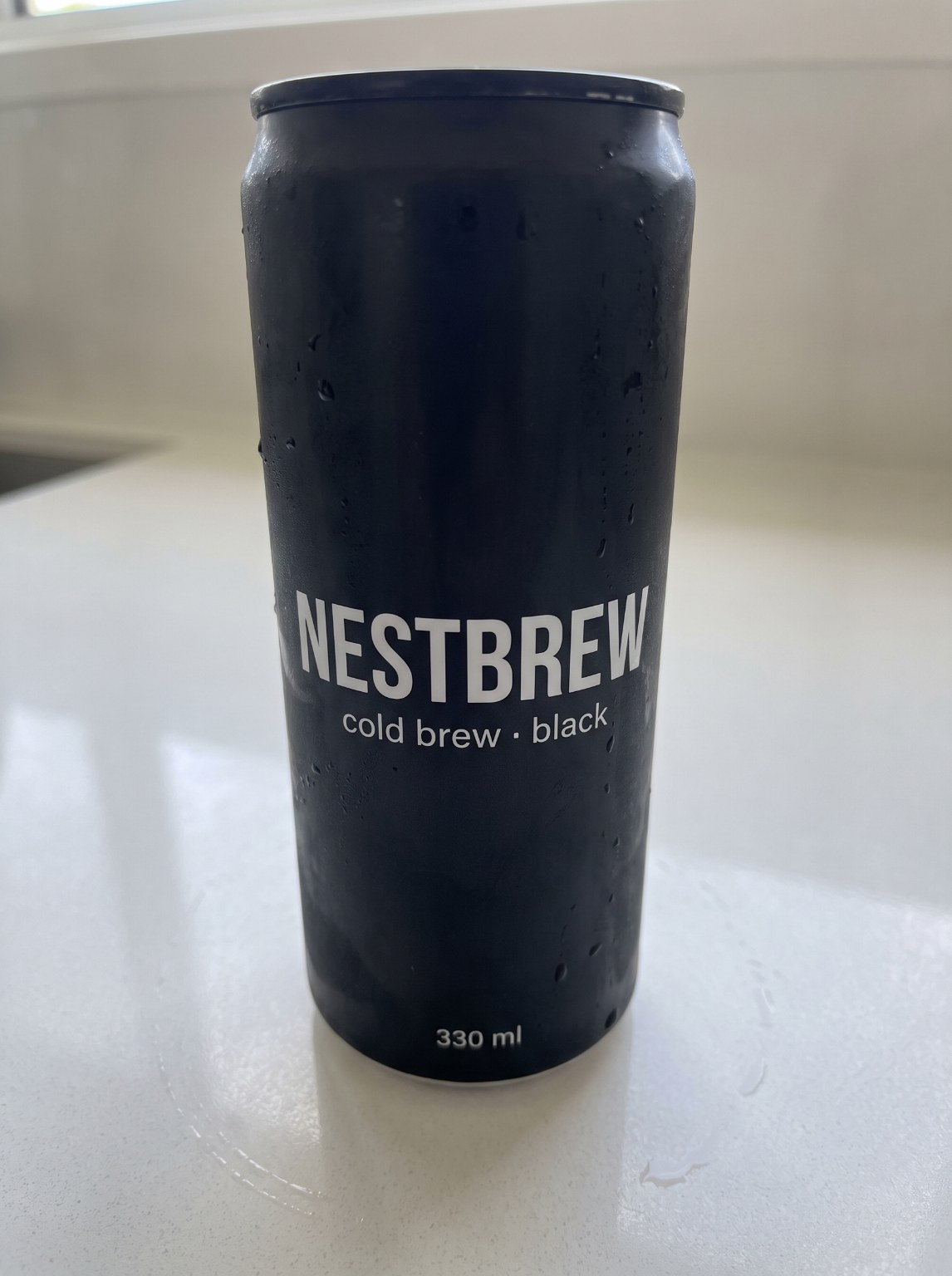
@Image 2 NESTBREW
Make it yours
Swap the images, edit the lines, pick a model. The recipe is pre-filled from the demo.
Reference images
@Image 1@Image 2Use the names in the prompt as @NAME or the @Image N tags. Portrait images (9:16 or 3:4) work best.
End frame (optional)
Kling 4.0 can animate from the first image to this one. With an end frame set, only the first image and this one are used; the other references are ignored.
Prompt2,583 chars
- Kling 4.0
- 720p
- 9:16
- Sound on
- 15s
- 60 credits
About this template
The Kling 4.0 showcase: a playful one-take product ad. She walks toward the camera sipping, a cyclist whips past, the can slips out of her hand and time freezes with it hanging in the air. The camera glides around the frozen can for its close-up and title, time snaps back, she catches it and laughs. Fifteen seconds, one continuous move, no cuts.
Kling 4.0 takes both references, the person and the product, so the face stays hers and the can is yours with the label legible. Swap in your product packshot and your influencer, rename the on-screen title, keep the beats. Drinks, snacks, cosmetics, anything a person can hold and nearly drop.
How to make this video yours
- Replace the reference images with your product, your scene, or one of our AI influencers. Keep the names so the prompt still points at them.
- Edit the quoted lines in the prompt. That is where the product name and the message live.
- Keep Kling 4.0 or switch model. Length, resolution and sound follow what the chosen model supports, and the credit price updates live.
- Generate. The video appears below the panel, in your dashboard, and in your inbox.
More templates
Product ads
Parachute life insurance ad
Cessna jump, ripcord, nothing opens, freeze, your logo
- Seedance 2.5
- 720p
- 9:16
- Sound on
- 15s
- 135 credits
Product ads
Ferrari ad
Cliff road, fly-by, dust, logo
- Kling 4.0
- 720p
- 9:16
- Sound on
- 10s
- 40 credits
Product ads
Cartoon duck mascot ad
The mascot steals the snack and the show
- Seedance 2.5
- 480p
- 9:16
- Sound on
- 10s
- 50 credits
Product ads
Vending machine heist
Shake it and the whole front opens
- Seedance 2.5
- 480p
- 9:16
- Sound on
- 20s
- 100 credits