Megamind No Bitches Meme Template & Generator
Make your own Megamind No Bitches meme: bluntly asking what someone has. Edit the template below, then download it free or turn it into a video meme.
2 text boxes · 674 × 734 px
Pick a template
The most used formats first. Search all of them, or start from your own image.
What Is the Megamind No Bitches Meme?
The template is a close-up of Megamind, the blue, large-headed animated character, looking upward with wide green eyes and a serious, questioning expression. The familiar caption asks, "No bitches?" It is used to tease someone for having no romantic prospects, friends, possessions, or other thing they claim to have. The joke also works as a blunt question about a lack of something.
People also search for the No Bitches meme, Megamind No Bitches template, and Megamind meme.
Where the Meme Comes From
Megamind is the title character of the animated film Megamind, released in 2010. The meme uses a close-up still of the character. The image spread online as a reaction meme, with the short question becoming its recognizable caption. The template is now commonly adapted by replacing or adding text to make the question fit a specific situation.
How to Use the Template
Use the two text boxes to set up a pointed question and its target:
- Question: Write what the person supposedly lacks, such as "No weekend plans?"
- Target: Identify who or what the question is aimed at, such as "Me, after canceling every invite".
Keep the wording short so the question lands quickly.
Megamind No Bitches Meme Ideas
- No unread emails? / Me after turning off notifications
- No plans this weekend? / The group chat after I say I'm busy
- No snacks left? / Me, after calling it a small treat
- No savings? / My bank account after another delivery order
- No sleep again? / Me, starting one more episode at midnight
Make It a Video Meme
As a short video, Megamind can make a small upward glance or blink as the question appears, while the close-up stays in place. Clips longer than 10 seconds get more reach on X, and you can make the video right on this page.
How to make yours
- Type your captions into the boxes. They wrap and size themselves to the picture.
- Drag a caption to move it, pull a corner to resize it, or change its font and colours.
- Download or copy the image. It is free and needs no account.
- Click Make it a video, describe the motion, pick a length (15 seconds does best on X) and generate.
More meme templates
All video meme templates
Reaction
The Most Interesting Man in the World
Dry, confident punchlines
- 2 text boxes
- Free image
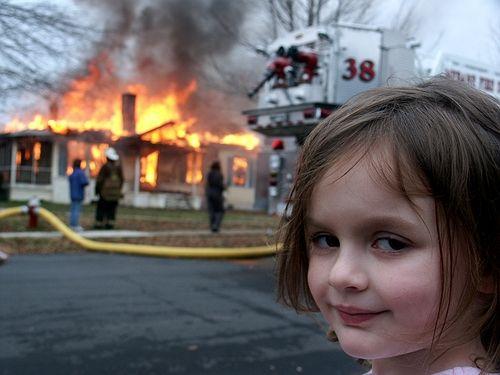
Reaction
Disaster Girl
Calm satisfaction amid chaos
- 2 text boxes
- Free image

Reaction
Ancient Aliens
Confidently blame mysteries on aliens
- 2 text boxes
- Free image
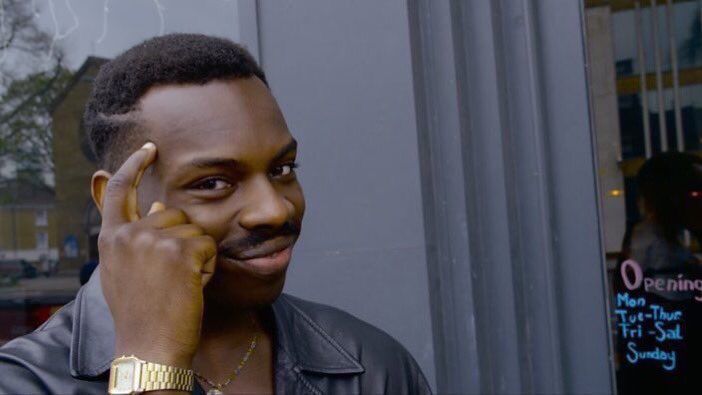
Reaction
Roll Safe Think About It
Smug advice and flawed logic
- 2 text boxes
- Free image