App & screen
App walkthrough in hand
Tap it, drag it, done
- Seedance 2.5
- 480p
- 9:16
- Sound on
- 10s
- 50 credits
- Model
- Seedance 2.5
- Mode
- Text + references
- Length
- 10s
- Remakes
- 0
References used in the demo

@Image 1 PRIYA
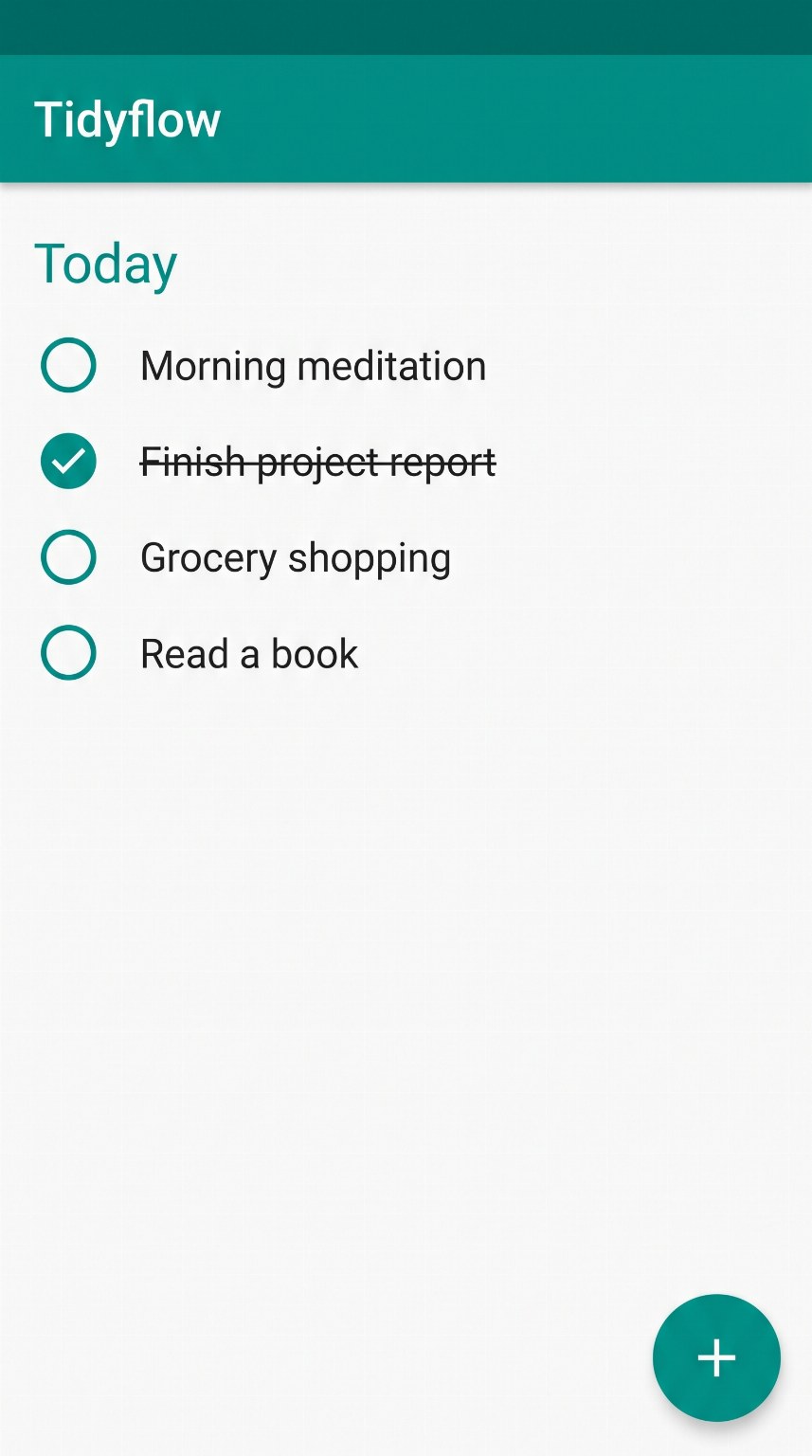
@Image 2 TIDYFLOW
Make it yours
Swap the images, edit the lines, pick a model. The recipe is pre-filled from the demo.
Reference images
@Image 1@Image 2Use the names in the prompt as @NAME or the @Image N tags. Portrait images (9:16 or 3:4) work best.
End frame (optional)
Seedance 2.5 can animate from the first image to this one. With an end frame set, only the first image and this one are used; the other references are ignored.
Prompt1,647 chars
- Seedance 2.5
- 480p
- 9:16
- Sound on
- 10s
- 50 credits
About this template
An app demo without screen recording: the presenter holds the phone toward the camera and taps through a task while explaining it. Seedance 2.5 takes a screenshot of the app as a reference, so the screen shows your interface.
Replace the screenshot with your own 9:16 app screen, keep the tap-and-drag beat, and rewrite the two lines. Works for productivity apps, finance apps, booking and e-commerce.
How to make this video yours
- Replace the reference images with your product, your scene, or one of our AI influencers. Keep the names so the prompt still points at them.
- Edit the quoted lines in the prompt. That is where the product name and the message live.
- Keep Seedance 2.5 or switch model. Length, resolution and sound follow what the chosen model supports, and the credit price updates live.
- Generate. The video appears below the panel, in your dashboard, and in your inbox.
More templates
App & screen
Over-the-shoulder screen tap
One tap and the list sorts itself
- Veo 3.1 Fast
- 720p
- 9:16
- Sound on
- 8s
- 32 credits
Story
Halloween transformation
Hand over the lens, vampire on the other side
- Seedance 2.5
- 480p
- 9:16
- Sound on
- 12s
- 60 credits
Product ads
Parachute life insurance ad
Cessna jump, ripcord, nothing opens, freeze, your logo
- Seedance 2.5
- 720p
- 9:16
- Sound on
- 15s
- 135 credits
Product ads
Frozen moment product ad
One take: a slip, time freezes, the product gets its close-up
- Kling 4.0
- 720p
- 9:16
- Sound on
- 15s
- 60 credits