Product ads
Snow globe Christmas
Into the snow globe, up the hill, and back out
- Seedance 2.5
- 480p
- 9:16
- Sound on
- 30s
- 150 credits
- Model
- Seedance 2.5
- Mode
- Text + references
- Length
- 30s
- Remakes
- 0
References used in the demo
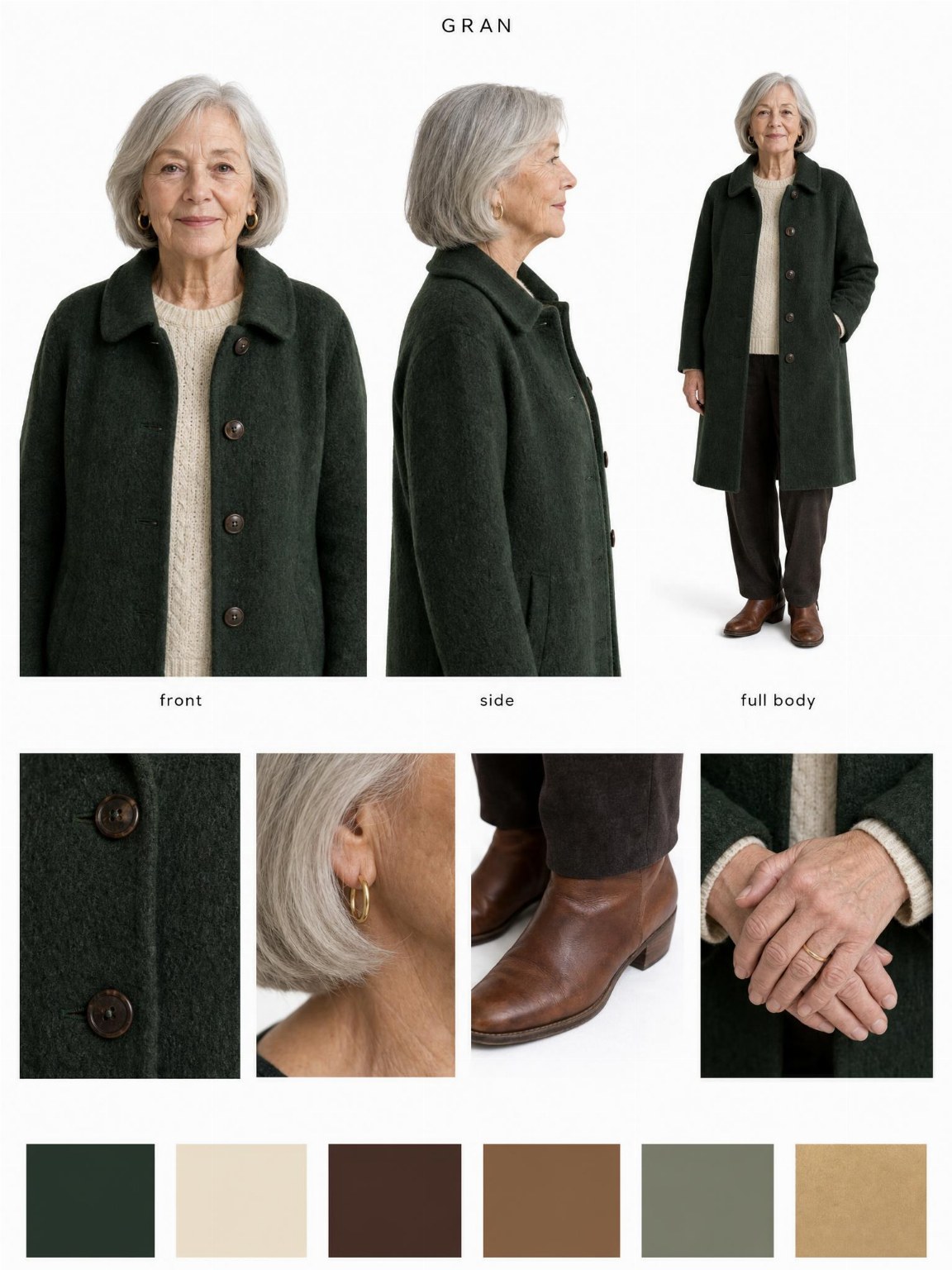
@Image 1 GRAN

@Image 2 MILO
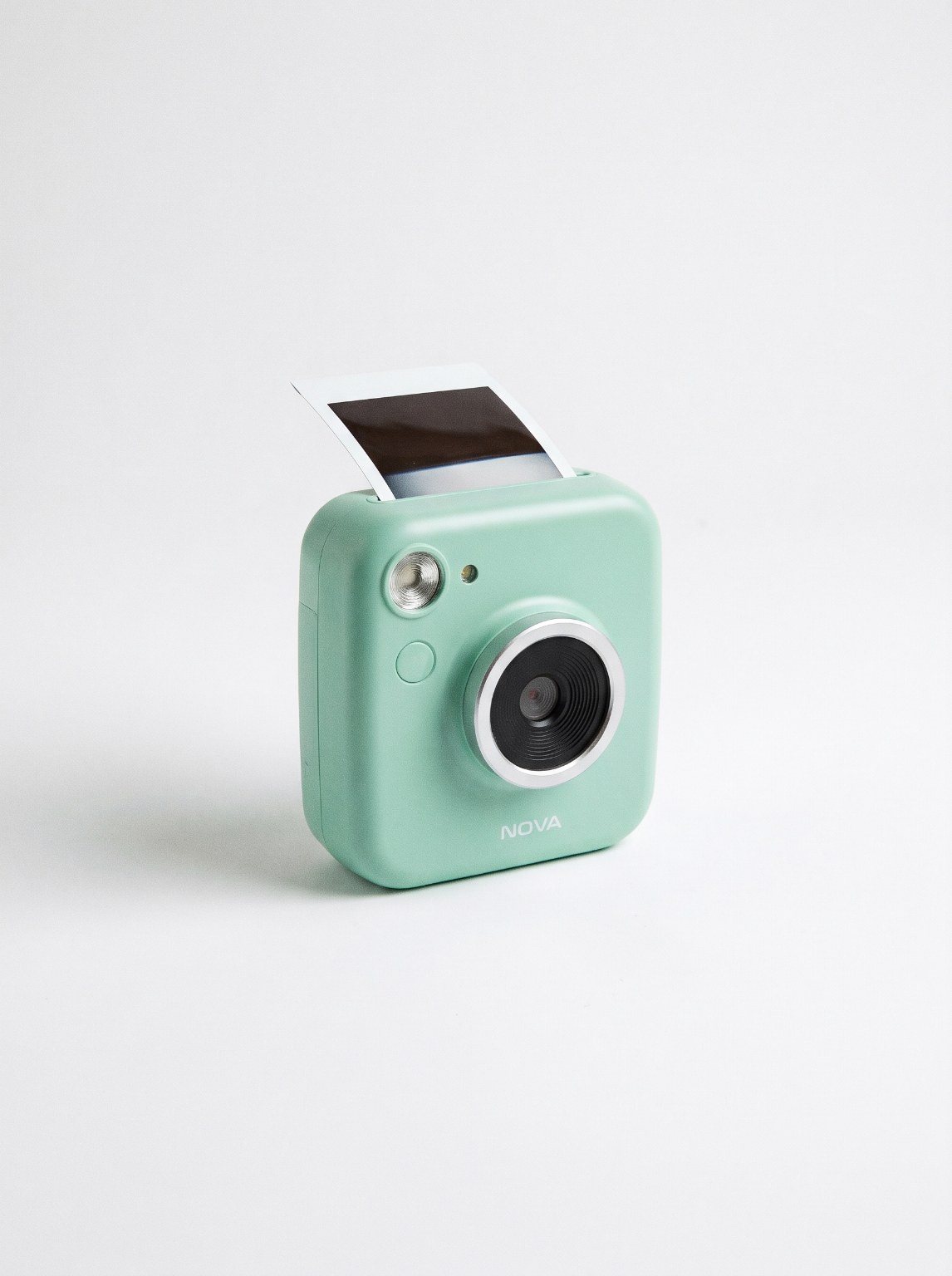
@Image 3 NOVA
Make it yours
Swap the images, edit the lines, pick a model. The recipe is pre-filled from the demo.
Reference images
@Image 1@Image 2@Image 3Use the names in the prompt as @NAME or the @Image N tags. Portrait images (9:16 or 3:4) work best.
End frame (optional)
Seedance 2.5 can animate from the first image to this one. With an end frame set, only the first image and this one are used; the other references are ignored.
Prompt3,666 chars
- Seedance 2.5
- 480p
- 9:16
- Sound on
- 30s
- 150 credits
About this template
A Christmas ad in one take. The camera pushes into a snow globe on the mantelpiece, where Gran hauls a sledge with one big present up a snowy hill to the cottage where the boy waits at the window. He opens it, takes her photo with it, and the camera pulls back out through the glass into the real living room, where the real boy is doing exactly that. One line at the end: give something that lasts.
Seedance 2.5 holds two characters, a miniature world and the real room in a single 30-second shot. Swap in your own family photos or AI characters and any product that fits in a box, change the closing line, or set the globe in a city, on a beach or on a farm.
How to make this video yours
- Replace the reference images with your product, your scene, or one of our AI influencers. Keep the names so the prompt still points at them.
- Edit the quoted lines in the prompt. That is where the product name and the message live.
- Keep Seedance 2.5 or switch model. Length, resolution and sound follow what the chosen model supports, and the credit price updates live.
- Generate. The video appears below the panel, in your dashboard, and in your inbox.
More templates
Story
Halloween transformation
Hand over the lens, vampire on the other side
- Seedance 2.5
- 480p
- 9:16
- Sound on
- 12s
- 60 credits
Product ads
Parachute life insurance ad
Cessna jump, ripcord, nothing opens, freeze, your logo
- Seedance 2.5
- 720p
- 9:16
- Sound on
- 15s
- 135 credits
Product ads
Frozen moment product ad
One take: a slip, time freezes, the product gets its close-up
- Kling 4.0
- 720p
- 9:16
- Sound on
- 15s
- 60 credits
Product ads
Ferrari ad
Cliff road, fly-by, dust, logo
- Kling 4.0
- 720p
- 9:16
- Sound on
- 10s
- 40 credits